Sign PDF guides
How to add the same visual signature to multiple PDF pages
Place signature artwork on each required page and review every instance instead of assuming one mark applies to the whole document.
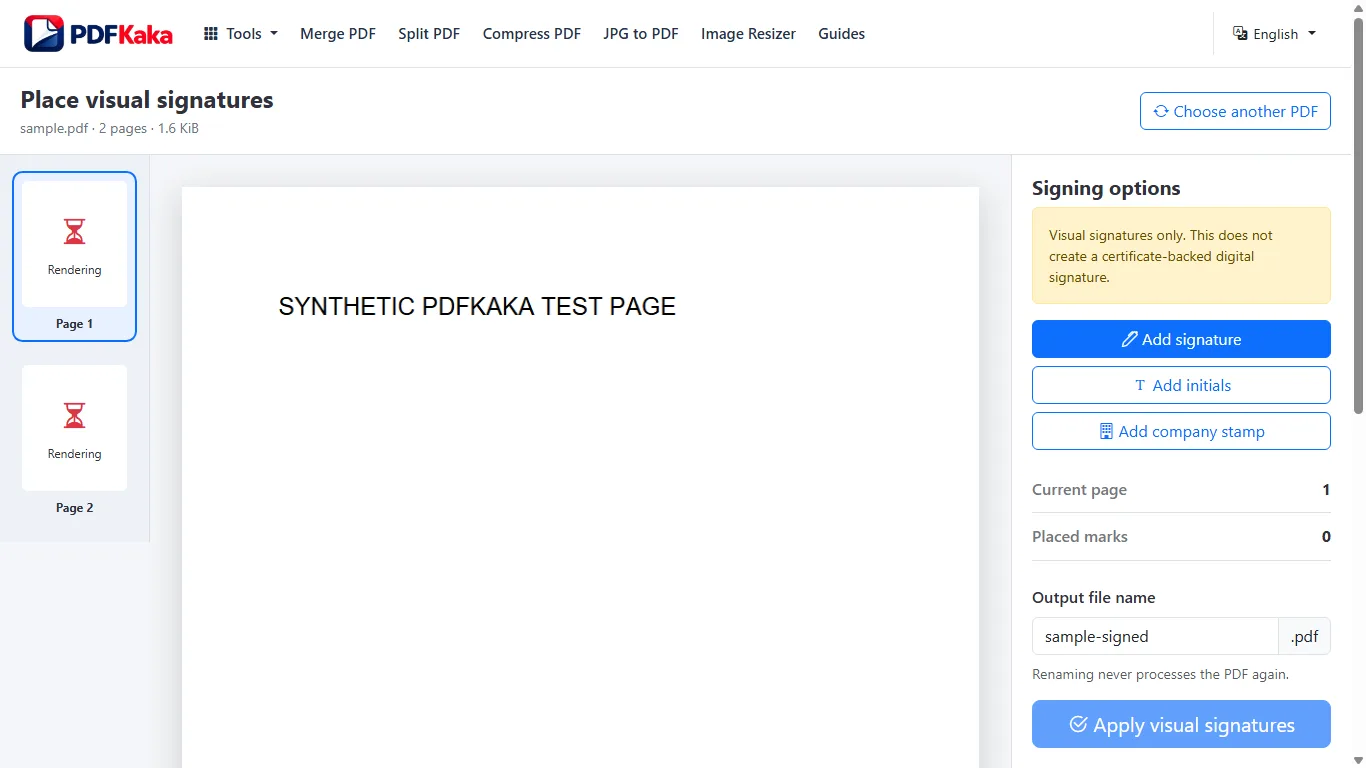
Open Sign PDFReviewed by PDFKaka ·
What this workflow helps you do
This workflow is for a task involving several files or pages. Plan the order and intended outputs before opening Sign PDF, because a quick thumbnail review prevents missing, duplicated, or misplaced content.
Place signature artwork on each required page and review every instance instead of assuming one mark applies to the whole document.
Plan the task in Sign PDF
Create and place visible signature artwork on one or more PDF pages. This tool does not create a certificate-backed digital signature or prove signer identity.
Sign PDF lets you draw, type, upload, or temporarily send signature artwork from a phone, then place and resize visible marks on one or more pages. This is an electronic visual-signature workflow, not a certificate-backed digital signature or identity-verification service.
- Draw, type, or upload signature artwork. Choose the method that produces a clear mark, then position it carefully inside the correct signature area.
- Draw a signature on a phone for a desktop PDF. The optional pairing flow transfers temporary signature artwork to the desktop session. The PDF itself remains on the desktop browser.
- Confirm what type of signature is required. Some documents accept a visible electronic mark, while others require a certificate, verified identity, witness, or regulated signing platform. Check before signing.
Plan the files, pages, and output order
For this Sign PDF task, decide what belongs in the result before processing. File names are useful clues, but page thumbnails and the intended reading sequence are the final check.
Place signature artwork on each required page and review every instance instead of assuming one mark applies to the whole document.
- Count the required source files or pages.
- Put them into the intended sequence and remove duplicates.
- Compare the expected count with the completed output.
Settings and limitations to check
Can I sign a PDF online for free with no account? Yes. Add visible signature artwork and download the signed copy without registration.
Is this a digital signature with a certificate? No. The tool adds visible signature artwork and does not issue a cryptographic certificate or prove signer identity.
Is my PDF transferred to the phone? No. The optional phone workflow transfers only temporary signature artwork; the PDF remains in the desktop browser.
- Use only the settings needed for the required result.
- Keep the source file available for comparison.
- Do not rely on an unsupported exact-size, fidelity, or security promise.
Review the completed file
Check the signature count, page locations, scale, and surrounding text in the final PDF.
Open the downloaded result in a separate viewer, inspect important pages or details, and repeat the workflow with adjusted settings if the output is not suitable.
- Confirm the expected file type and page count.
- Check important text, images, order, and orientation.
- Share or submit only the reviewed copy.
Tools used in this workflow
Frequently asked questions
What should I prepare before following this workflow?
Place signature artwork on each required page and review every instance instead of assuming one mark applies to the whole document.
How should I verify the result?
Check the signature count, page locations, scale, and surrounding text in the final PDF.
Can I sign a PDF online for free with no account?
Yes. Add visible signature artwork and download the signed copy without registration.
Is this a digital signature with a certificate?
No. The tool adds visible signature artwork and does not issue a cryptographic certificate or prove signer identity.
Is my PDF transferred to the phone?
No. The optional phone workflow transfers only temporary signature artwork; the PDF remains in the desktop browser.
Do I need an account to use Sign PDF?
No. Current PDFKaka tools work without registration or sign-in.
Are my files uploaded while I use Sign PDF?
No. This working tool processes the selected files locally in the current browser session.