Capture or add document pages
Use a supported mobile camera picker where available, or choose existing document-page images from your device.
Capture document pages with your phone camera where the browser supports camera input, or add existing page images, arrange them in reading order, and create one PDF. Review each page carefully before downloading.
or drop captured JPG, PNG, HEIC, or HEIF pages here
Up to 30 images, 25 MiB each, and 100 MiB totalUse Scan to PDF for photographed or camera-captured document pages that should become one ordered PDF. Capture new pages where supported or choose existing page images from your device.
Use a supported mobile camera picker where available, or choose existing document-page images from your device.
Arrange forms, receipts, front and back pages, notes, or attachments before conversion so the PDF follows the intended sequence.
Check framing, orientation, shadows, and readability before creating the PDF. The current tool does not automatically correct perspective, crop document edges, remove shadows, or recognize text.
Scan to PDF is designed for document-page captures rather than general photo collections. Add pages in sequence, review each capture, choose the available PDF settings, and create the final document.
Capture or choose the document pages, arrange them in the correct sequence, review the page quality, and create one PDF.
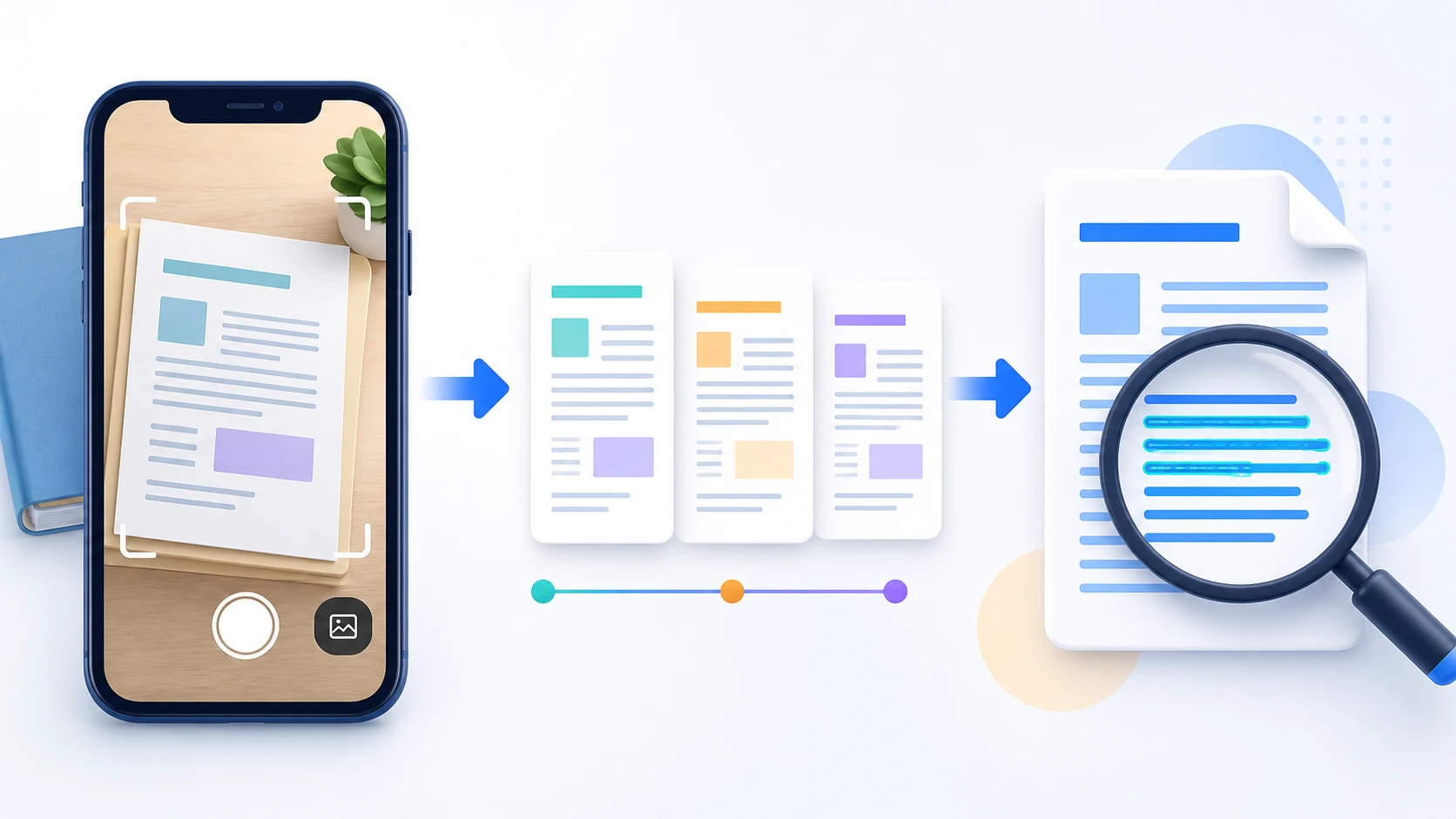
Where the device and browser expose camera capture through the file picker, you can capture page images and add them to the PDF workflow.
No. Review the photographed page before conversion; the current tool does not automatically correct perspective or crop document edges.
No. Scan to PDF packages page images into a PDF. Use OCR PDF afterward when you need supported scanned text to become searchable.
Yes. Add supported page images within the displayed job limits, arrange them, and create one multipage PDF.
JPG/JPEG, PNG, HEIC, and compatible HEIF still images using supported HEVC encoding.
No. Selected image contents are validated and converted locally in this browser during the normal workflow.
The .pdf extension is added automatically. Invalid filename characters are adjusted only when the file is downloaded.
The generated PDF remains only in this browser session.