Split by a fixed page count
Create output PDFs at regular page intervals when each file should contain the same number of source pages where possible.
Divide one PDF into multiple files using the split options available in PDFKaka. Review the planned page boundaries before processing, then download the separate PDFs. Use Extract Pages when you only need selected pages from the source.
or drop one PDF here
Up to 50 MiB, 500 pages, and 50 output filesUse Split PDF when the complete source document should be divided into several smaller PDFs. Choose how the page boundaries are created, review each planned output, and generate the separate files.
Create output PDFs at regular page intervals when each file should contain the same number of source pages where possible.
Use the available split-point controls to define the boundaries between output PDFs instead of selecting only a few pages to keep.
Check the page ranges shown for each output before processing so chapters, attachments, or other sections are not split at the wrong place.
Split PDF is for turning one source PDF into several outputs. It is different from Extract Pages, which creates a focused PDF from only the pages you choose.
Choose the source PDF, select the supported split method, review the planned page boundaries, and create the separate output files.
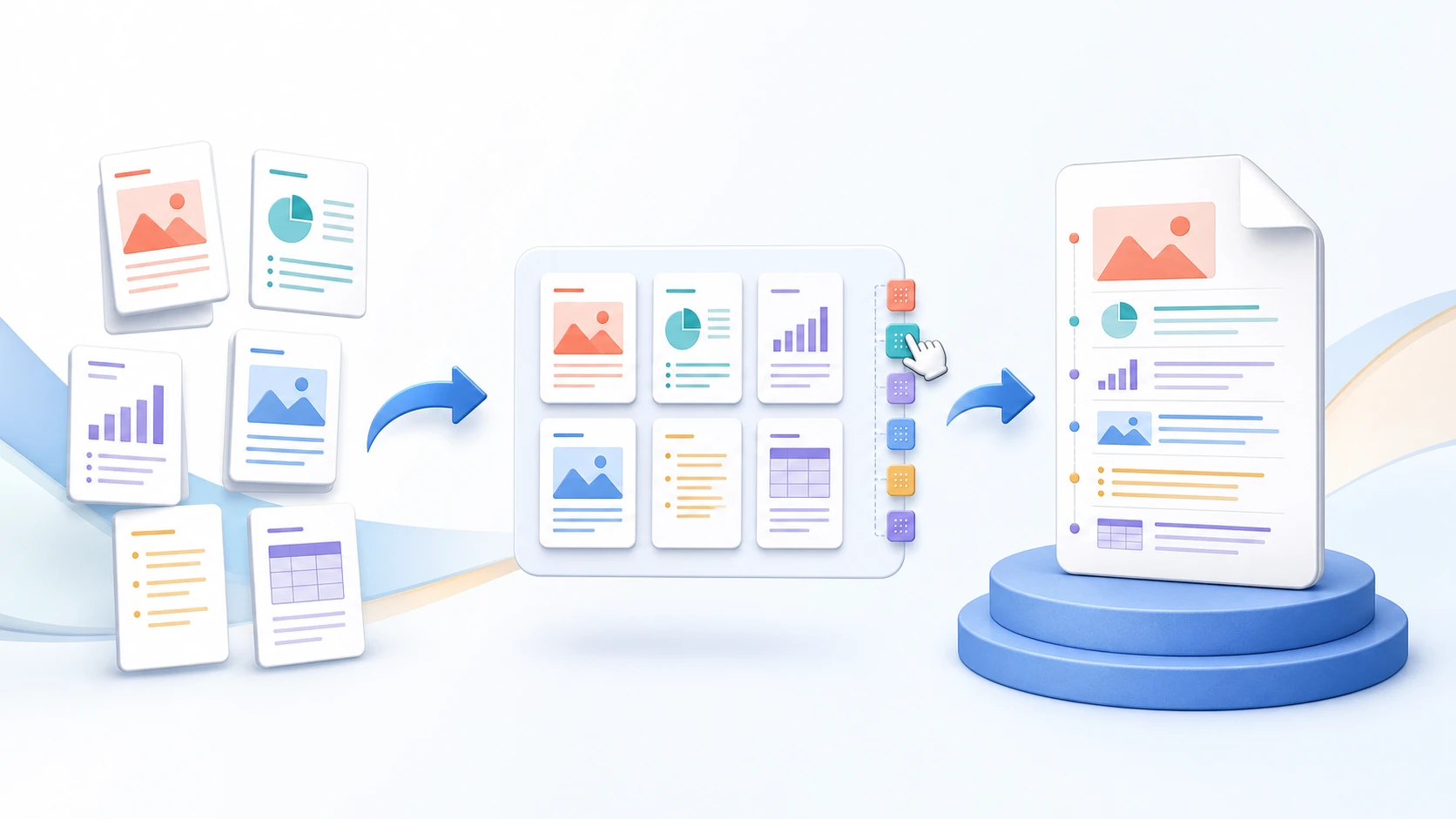
Split PDF divides the complete source into multiple output files according to the tool's split rules. Extract Pages creates one focused PDF from only the pages you select.
Yes, when the PDF has no more than 50 pages. Choose one page per output file.
Yes. Enter the page numbers after which each split should occur; the next output begins on the following page.
No. Split PDF creates separate output files and does not overwrite the source PDF.
You can create up to 50 output PDFs in one job.
No. Selected file contents are processed locally in this browser during the normal workflow.
Add a valid split point to preview the parts.
Every output passed browser validation.