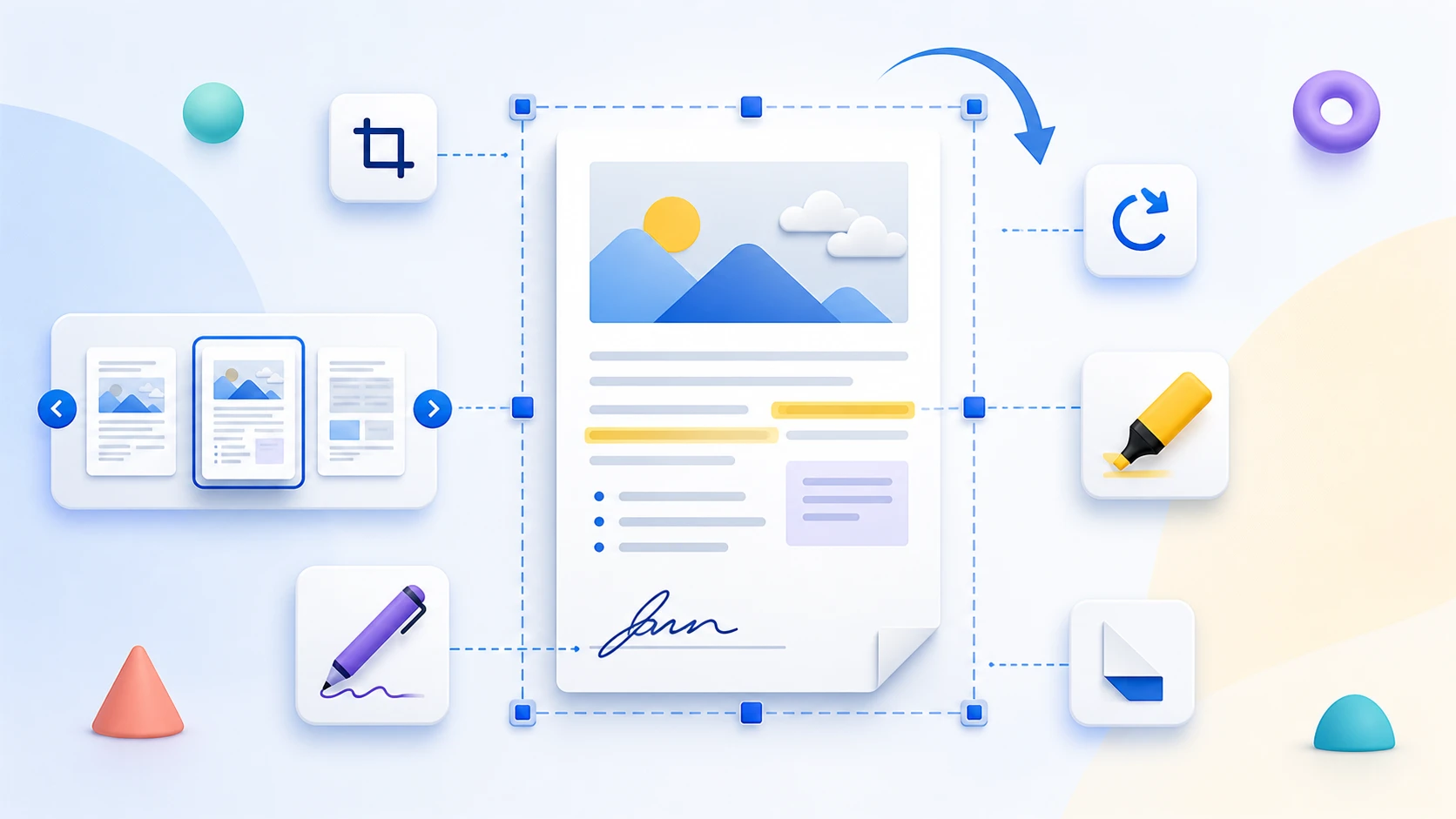
Navigate with page thumbnails
Move quickly through a long document by selecting page previews instead of scrolling from the beginning.
Open a PDF in a browser reading workspace, navigate with page thumbnails, zoom into details, and use the available view controls. PDF Reader is for viewing the document, not rewriting or saving edits into the source file.
or drop one PDF here
Up to 50 MiB and 500 pagesUse PDF Reader when you need to inspect a PDF without converting or editing it. Navigate pages, zoom into details, and use temporary view controls where supported.
Move quickly through a long document by selecting page previews instead of scrolling from the beginning.
Use the available zoom or fit controls to enlarge small text or show a complete page inside the reading area.
Zoom and view rotation are temporary reader controls and are not saved into the source file.
PDF Reader renders document pages inside the browser and provides navigation and view controls. Use the editing, annotation, signing, or rotation tools when the file itself needs to change.
Choose a PDF, navigate through the pages, use the available viewing controls, and close the reader when you are finished.
No. Reader controls do not modify or save changes into the source PDF.
No. Reader rotation is temporary. Use Rotate PDF for a saved orientation change.
No. Use Edit PDF or Sign PDF when the document itself needs those changes.
No. Text-to-speech is not included in the current reader.
No. The reader does not store the PDF after the browser session ends.
No. Selected PDF contents remain local to the current browser session.
This page could not be rendered.