Use Smart Reduce for a balanced smaller copy
Let the tool choose a practical reduction when you need a smaller image without specifying an exact KB value or pixel size.
Reduce an image's file size or pixel dimensions using the available resize modes. Choose an automatic balanced reduction, work toward a file-size limit, or set width and height when exact dimensions matter.
or drop one image here
One JPG or PNG up to 25 MiBUse the resize mode that matches the real requirement. A target file size and a target pixel dimension are different goals, so choose the control that corresponds to the destination's rules.
Let the tool choose a practical reduction when you need a smaller image without specifying an exact KB value or pixel size.
Use Target KB when an upload portal or form sets a maximum file size. A successful result stays at or below the target and shows the actual output size.
Choose explicit pixel dimensions when the destination requires a particular width or height rather than only a smaller file.
Image Resizer provides different controls for different constraints. Use file-size reduction for upload limits and dimension controls when the destination specifies pixels.
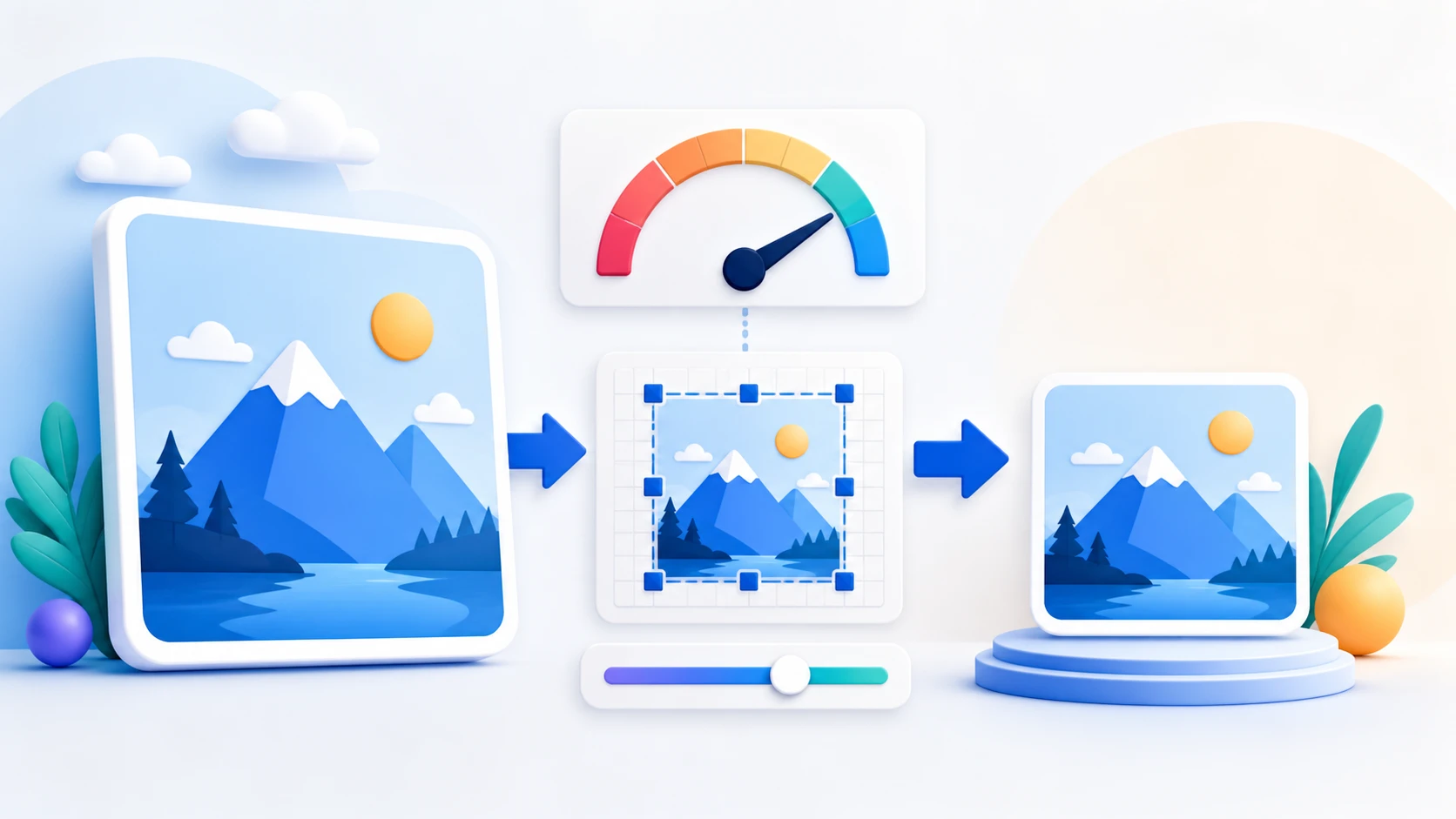
Choose the source image, select the resize mode that matches your requirement, review the output, and download the resized copy.
Yes. A successful Target KB result is at or below the requested value, but an exact byte count is not guaranteed.
Yes. Enter explicit pixel dimensions, optionally keep the aspect ratio locked, and choose whether smaller images may be enlarged.
Smart Reduce keeps the decoded dimensions, tries balanced JPEG encoding, and returns the untouched source file when re-encoding would not make it smaller.
Target KB and Width & Height create JPEG files. Smart Reduce may return the untouched original file, including PNG, when re-encoding would not make it smaller.
Reducing dimensions or re-encoding an image can change visible quality. The amount depends on the resize mode and source image.
No. Selected image contents are processed locally in this browser.