Langkau ke kandungan utama

Resize Image Online

Reduce an image's file size or pixel dimensions using the available resize modes. Choose an automatic balanced reduction, work toward a file-size limit, or set width and height when exact dimensions matter.

or drop one image here

One JPG or PNG up to 25 MiB

Target from 5 KB to 5,000 KB

Fail kekal dalam pelayar anda Tiada muat naik fail Akaun tidak diperlukan

How to Resize an Image

  1. Choose a supported image.
  2. Select Smart Reduce, Target KB, or Width & Height according to the job.
  3. Enter any required file-size or dimension values.
  4. Create the resized image and review its actual file size and dimensions.
  5. Download the result and keep the original source if it may be needed later.
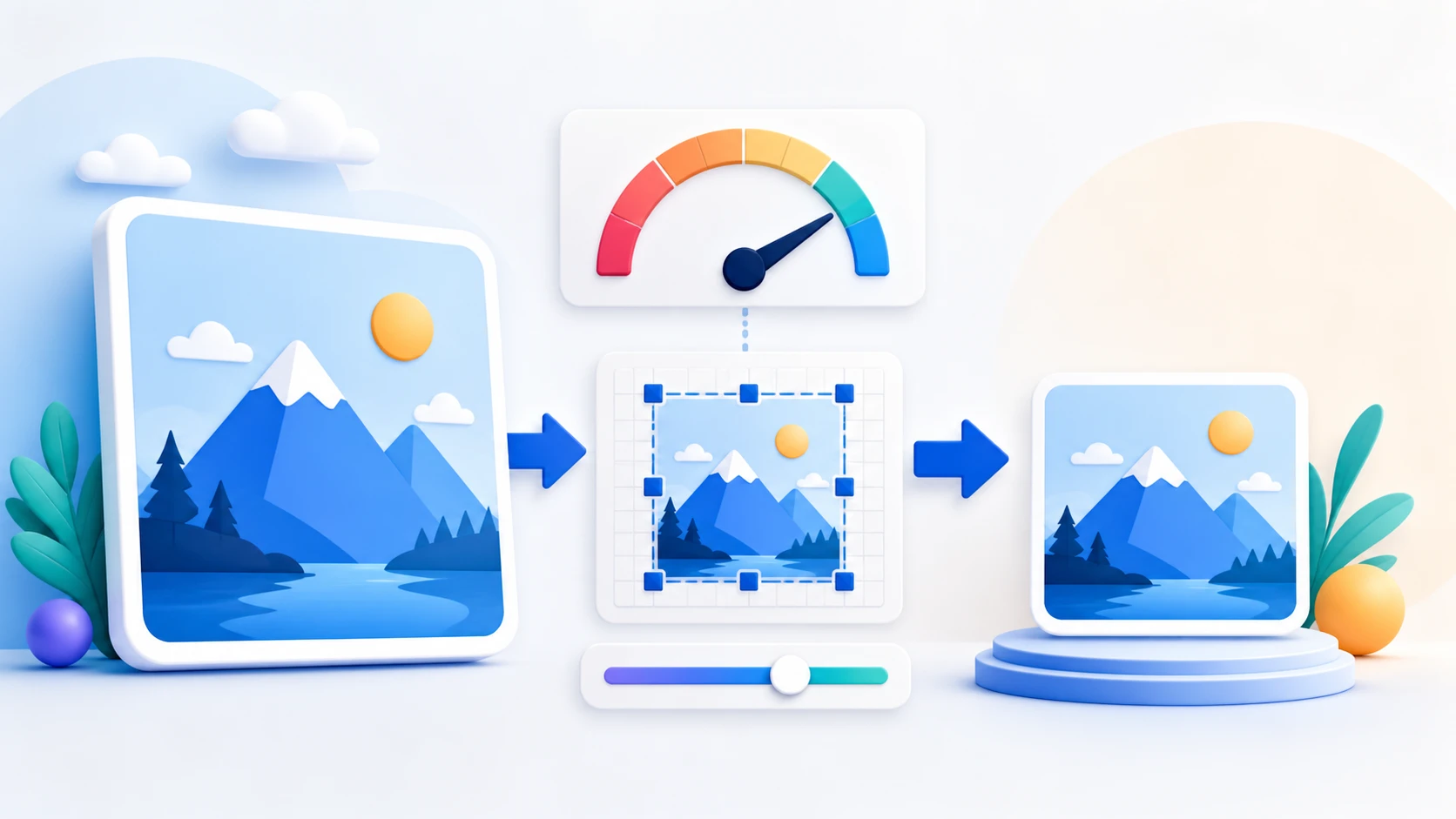
Image size questions

Can I resize an image to a target KB size?

Yes. A successful Target KB result is at or below the requested value, but an exact byte count is not guaranteed.

Can I resize by width and height?

Yes. Enter explicit pixel dimensions, optionally keep the aspect ratio locked, and choose whether smaller images may be enlarged.

What does Smart Reduce do?

Smart Reduce keeps the decoded dimensions, tries balanced JPEG encoding, and returns the untouched source file when re-encoding would not make it smaller.

What format is the resized image?

Target KB and Width & Height create JPEG files. Smart Reduce may return the untouched original file, including PNG, when re-encoding would not make it smaller.

Will resizing reduce image quality?

Reducing dimensions or re-encoding an image can change visible quality. The amount depends on the resize mode and source image.

Are my images uploaded to PDFKaka?

No. Selected image contents are processed locally in this browser.

Perlu tugasan dokumen lain? JPG ke PDF.

Tentang alat ini

Choose the resize method that matches the requirement

Image Resizer provides different controls for different constraints. Use file-size reduction for upload limits and dimension controls when the destination specifies pixels.

Berguna untuk

  • Prepare images for forms, portals, websites, or email limits.
  • Reduce oversized screenshots or camera photos before document conversion.
  • Create a separate resized copy while keeping the original available.

Baik untuk diketahui

  • JPG/JPEG and PNG inputs are supported. Target KB and Width & Height create JPEG output; Smart Reduce can return the untouched source when re-encoding would not make it smaller.
  • Target KB treats the value as a maximum and does not promise an exact byte count.
  • Enlarging a small image increases pixel dimensions without restoring missing detail.
Practical guidance

Resize JPG and PNG images by KB or pixel dimensions

An image resizer in KB solves a different problem from changing width and height. PDFKaka supports both: choose a maximum file size for an upload portal, or set pixel dimensions for a form, website, profile, or document. The output is generated locally as a JPEG.

Resize an image to 20KB, 50KB, 100KB, 200KB, or 500KB

Choose a common preset or enter another maximum. The tool searches for the best practical JPEG quality and reduces dimensions only when the original image cannot meet the target through quality adjustment alone.

Set image width and height in pixels

Use dimension mode when a portal specifies width, height, or aspect ratio. Keeping the aspect ratio prevents accidental stretching, while the no-enlarge option protects smaller originals.

Check photo quality after KB reduction

Very small targets can blur faces, document text, signatures, and fine edges. Review the downloaded image at full size and use a larger limit when essential detail becomes unclear.

Questions people ask about this task

Will the resized image be exactly the requested KB size?

The result is kept at or below the maximum, not padded to an exact byte count. Browser JPEG encoders can produce slightly different sizes.

Can I resize a PNG image in KB?

Yes, but the output is JPEG. JPEG does not support transparency, so transparent PNG areas are flattened.

Can I increase image size in KB?

The current tool is designed to reduce file size or change dimensions. It does not provide a minimum-KB or exact-KB target, and artificially increasing bytes would not improve image detail.