Langkau ke kandungan utama

PDF to JPG or PNG Online

Render selected PDF pages as JPG or PNG images. Choose the available image format and quality or scale settings, then download individual page images or the packaged result where supported.

or drop one PDF here

Up to 50 MiB and 500 source pages

Export up to 100 images · 150 MiB total

Fail kekal dalam pelayar anda Tiada muat naik fail Akaun tidak diperlukan

How to Convert PDF Pages to JPG or PNG

  1. Choose a supported PDF.
  2. Select the pages that should become images.
  3. Choose JPG or PNG and any verified quality or scale setting.
  4. Render the selected pages.
  5. Download an individual image or the complete packaged result where supported.
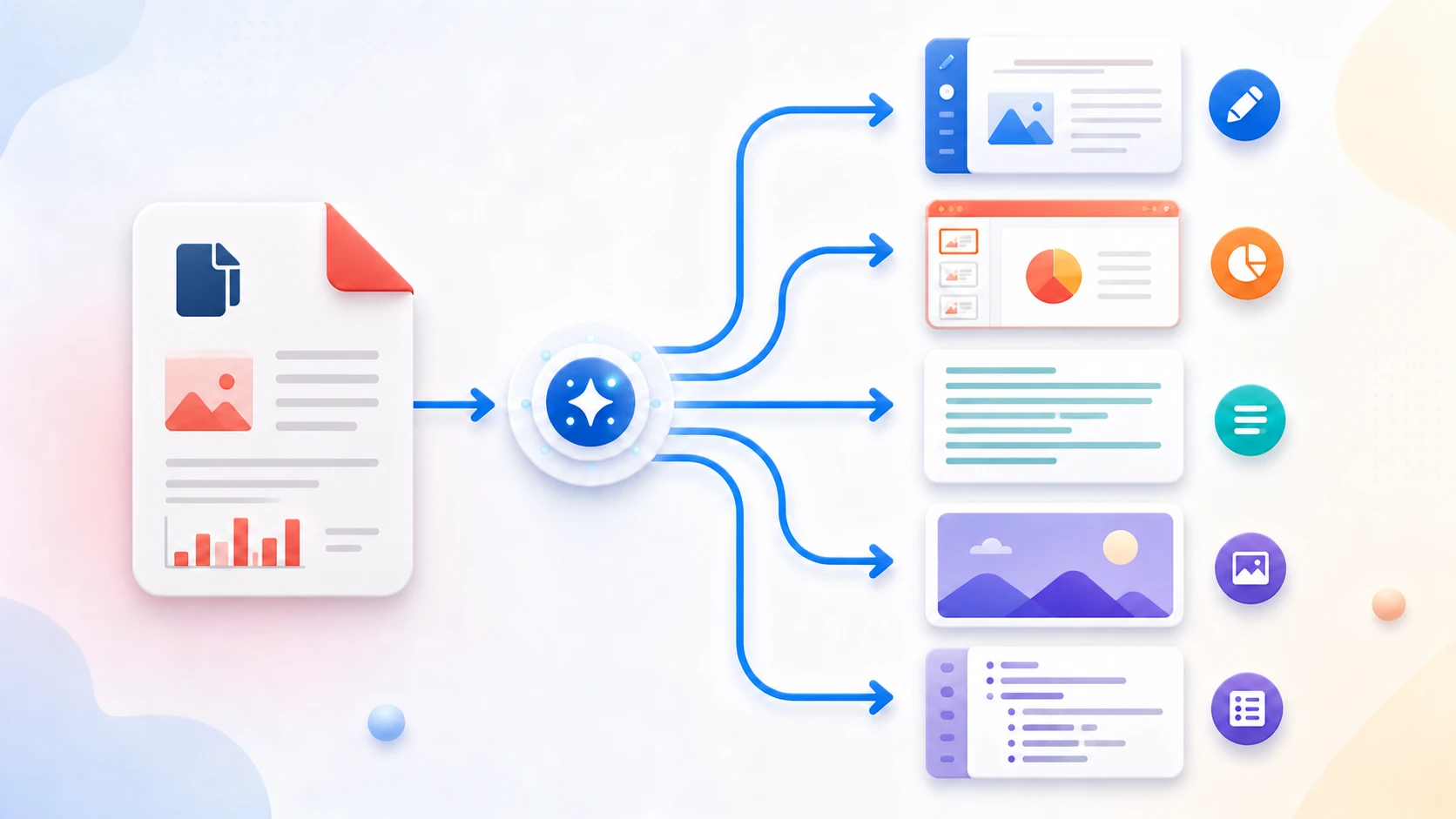
PDF image conversion questions

Should I choose JPG or PNG?

Use JPG when smaller lossy image files are acceptable, and PNG when crisp lossless-style rendering is more important than file size.

Does PDF to JPG extract the original images inside my PDF?

No. The tool creates rendered page images rather than extracting embedded source photographs.

Can I convert only selected pages?

Yes. Select individual pages in source order, with up to 100 output images per job.

Can I change JPG quality or render scale?

Yes. JPG quality options are 72%, 86%, and 94%, and render scale options are 1×, 1.5×, and 2×.

How are multiple page images downloaded?

Download images individually or use the uncompressed ZIP that contains all converted pages.

Are my PDF pages uploaded to PDFKaka?

No. Selected PDF contents are rendered and encoded locally in this browser.

Perlu tugasan dokumen lain? Pembaca PDF.

Tentang alat ini

Export PDF pages as image files

Use PDF to JPG/PNG when the visible PDF page itself needs to become an image. Choose the output format and any supported quality or scale options based on the destination.

Berguna untuk

  • Use a PDF page in a presentation, image editor, or messaging workflow.
  • Create thumbnails or previews for selected pages.
  • Export crisp page renders as PNG or smaller photographic-style renders as JPG.

Baik untuk diketahui

  • This is page rendering, not extraction of original embedded images.
  • Higher scale or quality settings increase memory use and output size.
  • The result provides individual image downloads and an uncompressed ZIP containing all converted pages.
Practical guidance

Convert complete PDF pages to JPG or PNG images

PDF to JPG renders selected pages as image files. Choose JPG for smaller photo-heavy output or PNG when crisp diagrams, interface captures, or lossless page rendering matters more than file size. Several images are packaged into a ZIP download.

Convert selected PDF pages to JPG

Choose only the pages needed and set the rendering scale. A higher scale improves visible detail but also increases memory use and image size.

Choose JPG or PNG for the page content

JPG normally suits photographs and smaller files. PNG preserves hard edges and text more cleanly but usually creates larger images.

Understand page rendering versus image extraction

The tool creates an image of each complete page. It does not pull out original photographs or graphics embedded inside the PDF.

Questions people ask about this task

Can I convert PDF to JPG online for free?

Yes. Select pages and download the rendered JPG images without creating an account.

Can the JPG output be exactly 50KB or 100KB?

This converter controls image format and rendering scale, not an exact KB target. Open the downloaded JPG in Image Resizer when a specific maximum is required.

Should I convert PDF to JPG or PNG?

Use JPG for smaller photo-heavy pages and PNG when text, diagrams, or sharp edges need lossless image output.