Langkau ke kandungan utama

JPG, PNG & WebP Image Converter

Convert a batch of static JPG, PNG, or WebP images within the limits shown below. Choose one output format and quality, preview the first result, and download each converted image or the complete ZIP.

or drop images here

Up to 20 images · 25 MiB each · 100 MiB combined

Up to 16,384px per side and 40,000,000 total pixels

Fail kekal dalam pelayar anda Tiada muat naik fail Akaun tidak diperlukan

How to Convert an Image Format Online

  1. Choose supported JPG, PNG, or WebP images within the displayed limits. Add or remove files before processing.
  2. Select the output format available in the tool.
  3. Adjust any verified format-specific setting, such as JPEG or WebP quality, if offered.
  4. Convert the images and compare the first result with its source; review each output's dimensions and size.
  5. Download each validated image or Download all ZIP.
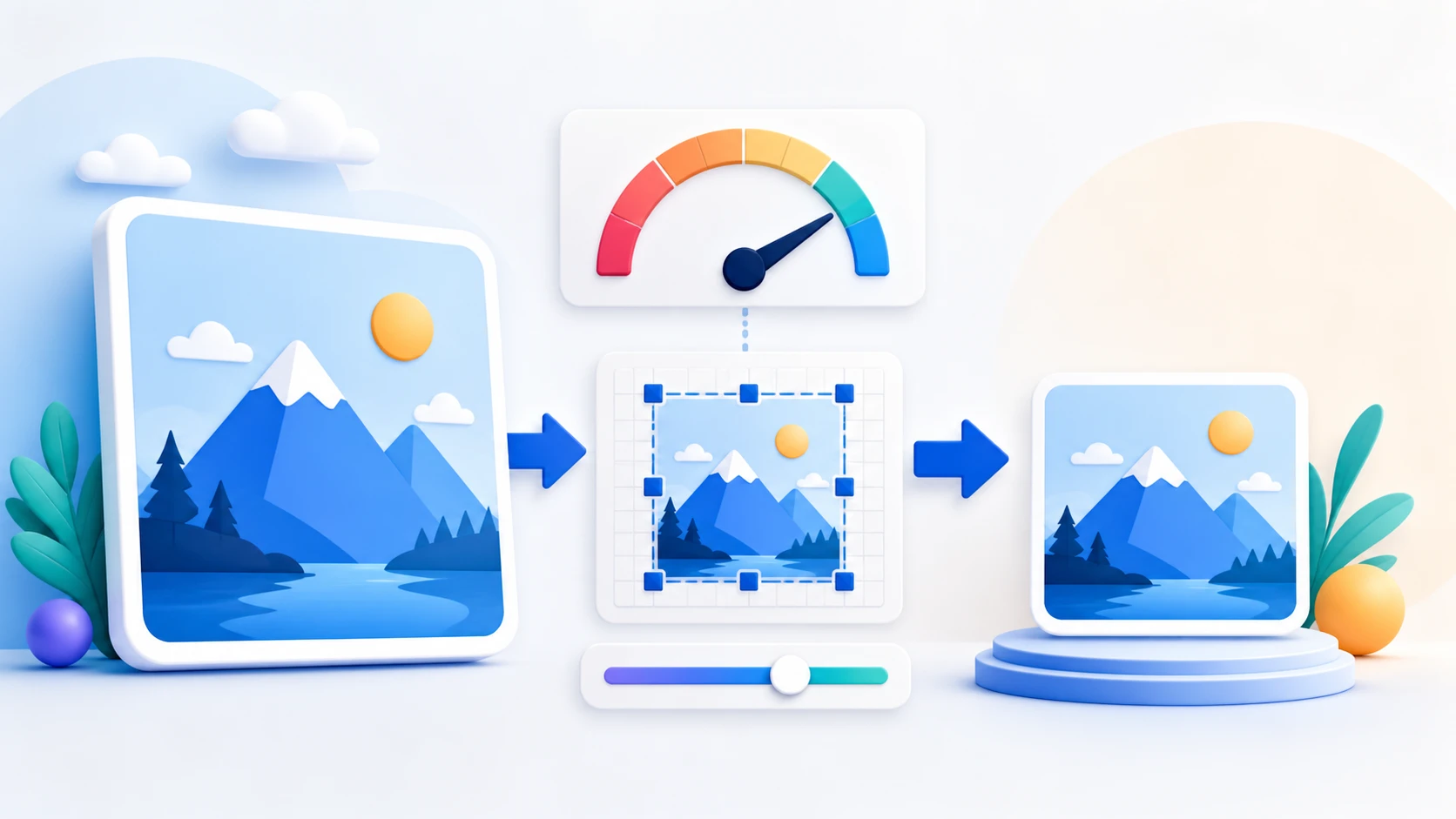
Image format conversion questions

Can I convert PNG to JPG?

Yes. Transparent pixels are flattened onto a white background in the JPG output.

Can I convert JPG to PNG?

Yes. Converting JPEG to PNG does not restore image detail lost in the original JPEG.

Does PNG transparency stay transparent?

Yes in PNG and WebP output. JPG cannot store transparency and uses a white background.

Does changing format resize the image?

No. The converted image keeps the decoded source width and height.

Can I convert animated PNG or WebP files?

No. Animated PNG and WebP inputs are rejected.

Are my images uploaded during conversion?

No. Selected image contents are processed locally in this browser.

Perlu tugasan dokumen lain? Ubah saiz imej.

Tentang alat ini

Choose the image format that fits the next step

Image Converter processes each selected image in order while keeping its decoded pixel dimensions. Sources are decoded one at a time to limit memory use.

Berguna untuk

  • Convert a transparent PNG to another format when transparency is not required.
  • Create PNG output for graphics that benefit from lossless-style storage or transparency.
  • Create WebP output when the current browser and destination support it.

Baik untuk diketahui

  • Choose static JPG/JPEG, PNG, or WebP images within the current file-count, per-file and combined-input limits shown in the uploader.
  • Converting formats can change file size and quality even when dimensions stay the same.
  • Animated PNG and WebP inputs are not supported.
Practical guidance

Convert between JPG, PNG, and WebP image formats

Static image format conversion changes how decoded pixels are stored; it does not invent missing detail or automatically resize the picture. PDFKaka validates the file extension, reported MIME type, binary signature, dimensions, and actual encoded result while the image stays in this browser. Animated PNG and WebP inputs are rejected instead of silently losing frames.

Convert PNG to JPG with predictable transparency handling

JPG normally suits photographs and can be made smaller with the quality control. Because JPG has no alpha channel, transparent source pixels are deliberately filled with white before encoding.

Convert JPG or WebP to PNG without claiming restored quality

PNG stores the converted pixels losslessly and preserves transparency when the source contains it. Converting a previously compressed JPG or WebP to PNG cannot recover detail already discarded by that earlier encoding.

Create and verify WebP only when the browser supports it

Some Canvas implementations fall back to PNG when WebP encoding is unavailable. The converter inspects the returned MIME type and file signature, then reports an honest unsupported-browser error instead of mislabelling the download.

Keep the source pixel dimensions

The output uses the decoded source width and height. Use Image Resizer instead when a different width, height, or maximum KB value is required.

Convert a batch and download all outputs

Select static images within the file-count, per-file and combined-input limits shown above. Add or remove files before converting. Each image is processed in input order; duplicate names receive unique suffixes. Download individual results or one ZIP after all outputs pass validation.

Questions people ask about this task

Which format should I choose for a photograph?

JPG is widely supported and usually compact for photographs. WebP can also be efficient when the destination accepts it and the browser can encode it.

Which format should I choose for transparency?

Choose PNG when transparent pixels must be preserved reliably. WebP can also contain transparency, but destination and browser support should be checked.

Will converting an image change its width or height?

No. This tool keeps the decoded dimensions. It changes the encoding format and, for JPG or WebP, lets you choose lossy quality.

Are images uploaded during conversion?

No. Validation, decoding, Canvas rendering, encoding, output checking, previews, and download run in the current browser session.