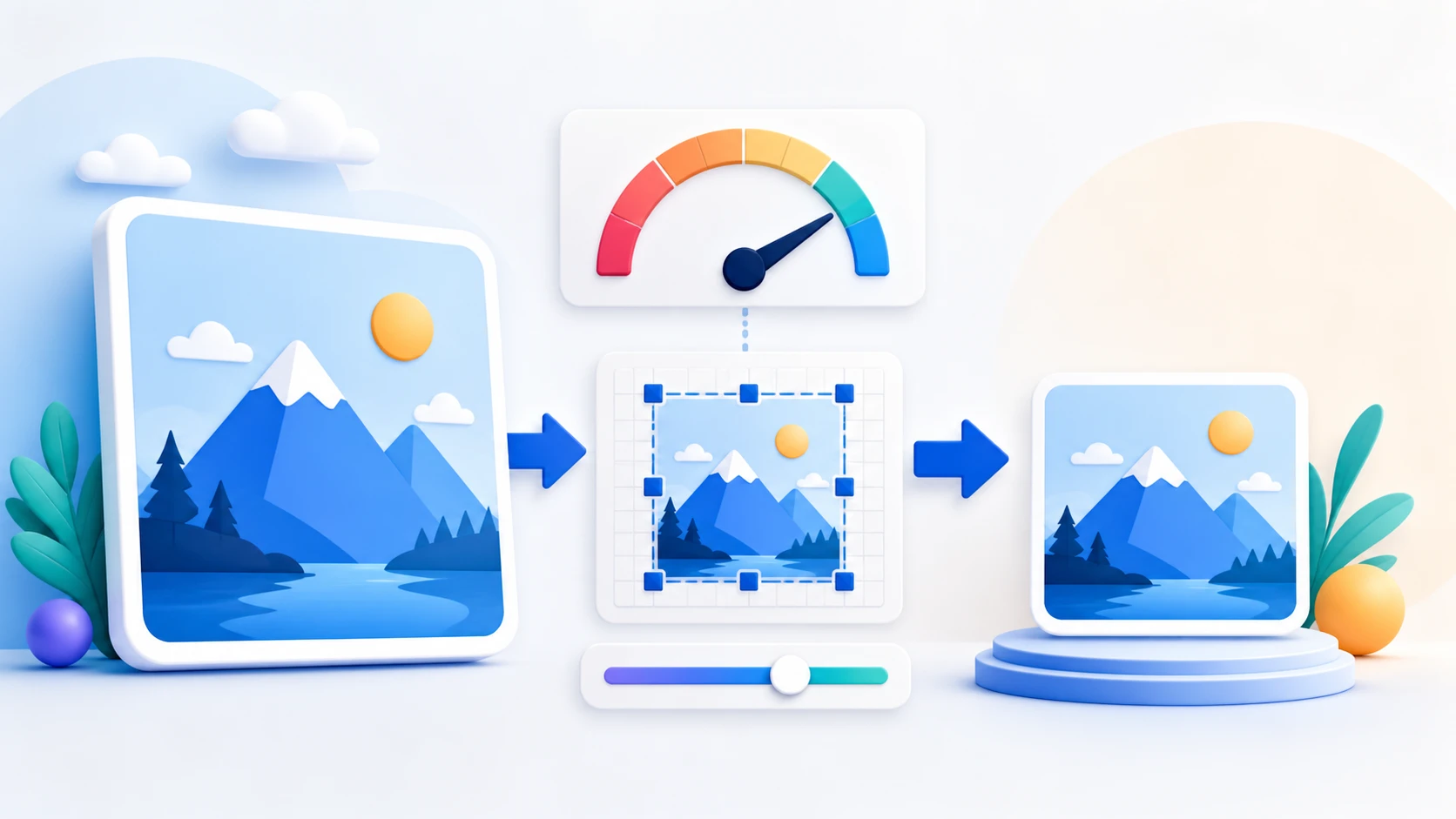
How to Convert an Image Format Online
- Choose supported JPG, PNG, or WebP images within the displayed limits. Add or remove files before processing.
- Select the output format available in the tool.
- Adjust any verified format-specific setting, such as JPEG or WebP quality, if offered.
- Convert the images and compare the first result with its source; review each output's dimensions and size.
- Download each validated image or Download all ZIP.