Compare corresponding PDF pages
Compare matching page positions and receive a rendered-pixel difference percentage for each page.
Compare two PDF versions by measuring rendered-pixel differences between corresponding pages. Use the text report for visual review, not as semantic, legal, or meaning-level analysis.
or drop the file here
Up to 50 MiB per PDFUse Compare PDF to measure how much corresponding rendered pages differ. The report gives a per-page percentage but does not show, locate, or classify the changed areas.
Compare matching page positions and receive a rendered-pixel difference percentage for each page.
Use the report to identify which page positions changed and by how much; the tool does not locate or classify the changed pixels.
A visually similar page can still contain different underlying text, metadata, links, or hidden objects. Do not treat a visual match as a legal or semantic guarantee.
Compare PDF is a rendered-pixel comparison that produces page-by-page percentages. It is not a semantic text diff, legal verification, or cryptographic integrity check.
Choose the two PDF versions, run the rendered-pixel comparison, review the page-by-page percentage report, and inspect important pages manually.
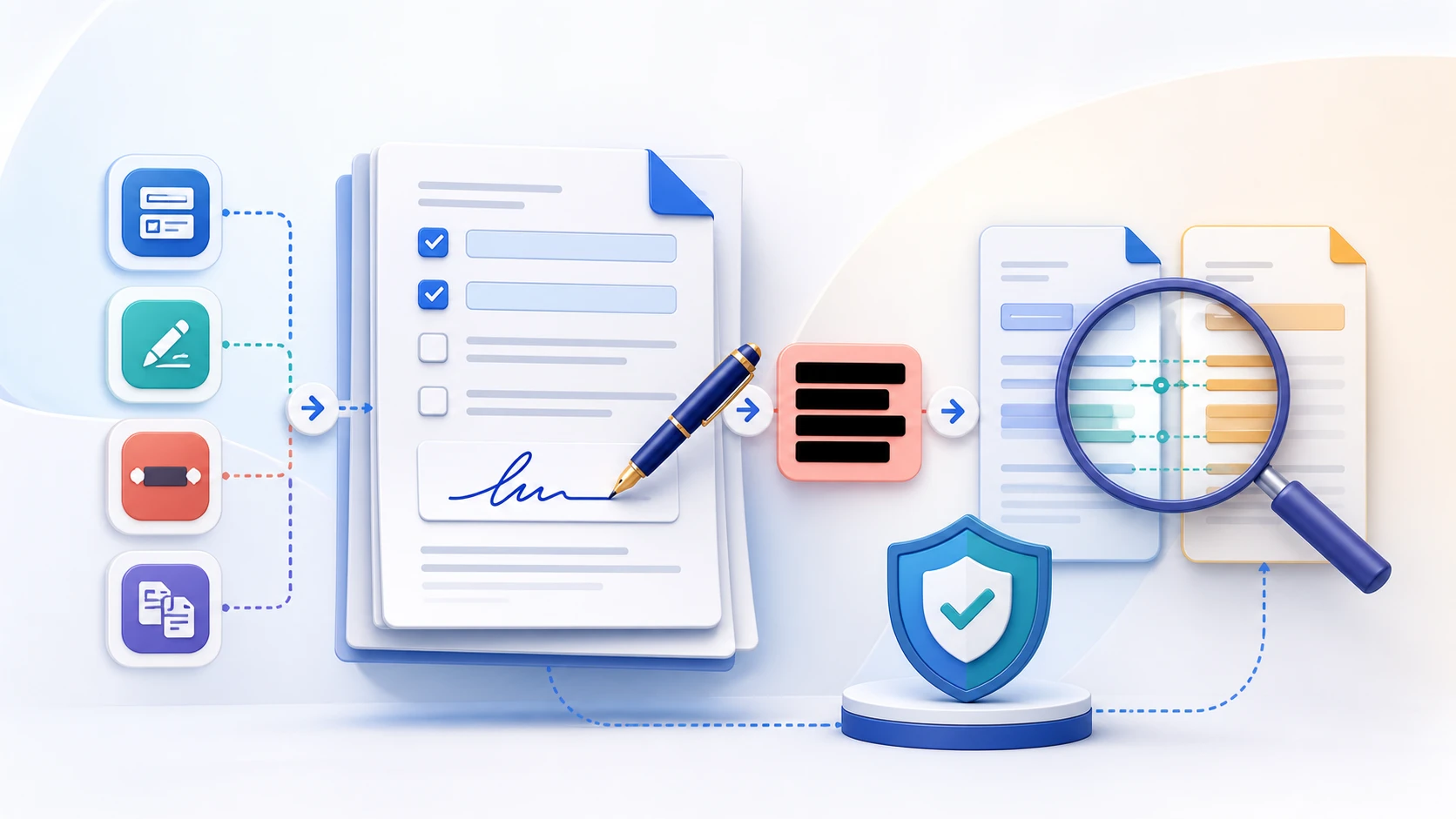
It renders corresponding pages on a white background and compares their RGB pixels using the selected threshold.
No. A rendered-pixel comparison cannot reliably determine whether wording means something different.
Font rendering, anti-aliasing, layout shifts, image compression, metadata-driven rendering, or different page dimensions can change the rendered pixels.
Yes. Pages are matched by page number; extra or missing pages are reported as 100% different.
No. It is a review aid and should not be presented as legal, forensic, or cryptographic verification.
No. Both selected PDFs are processed locally in this browser.