Choose the crop area visually or by pixels
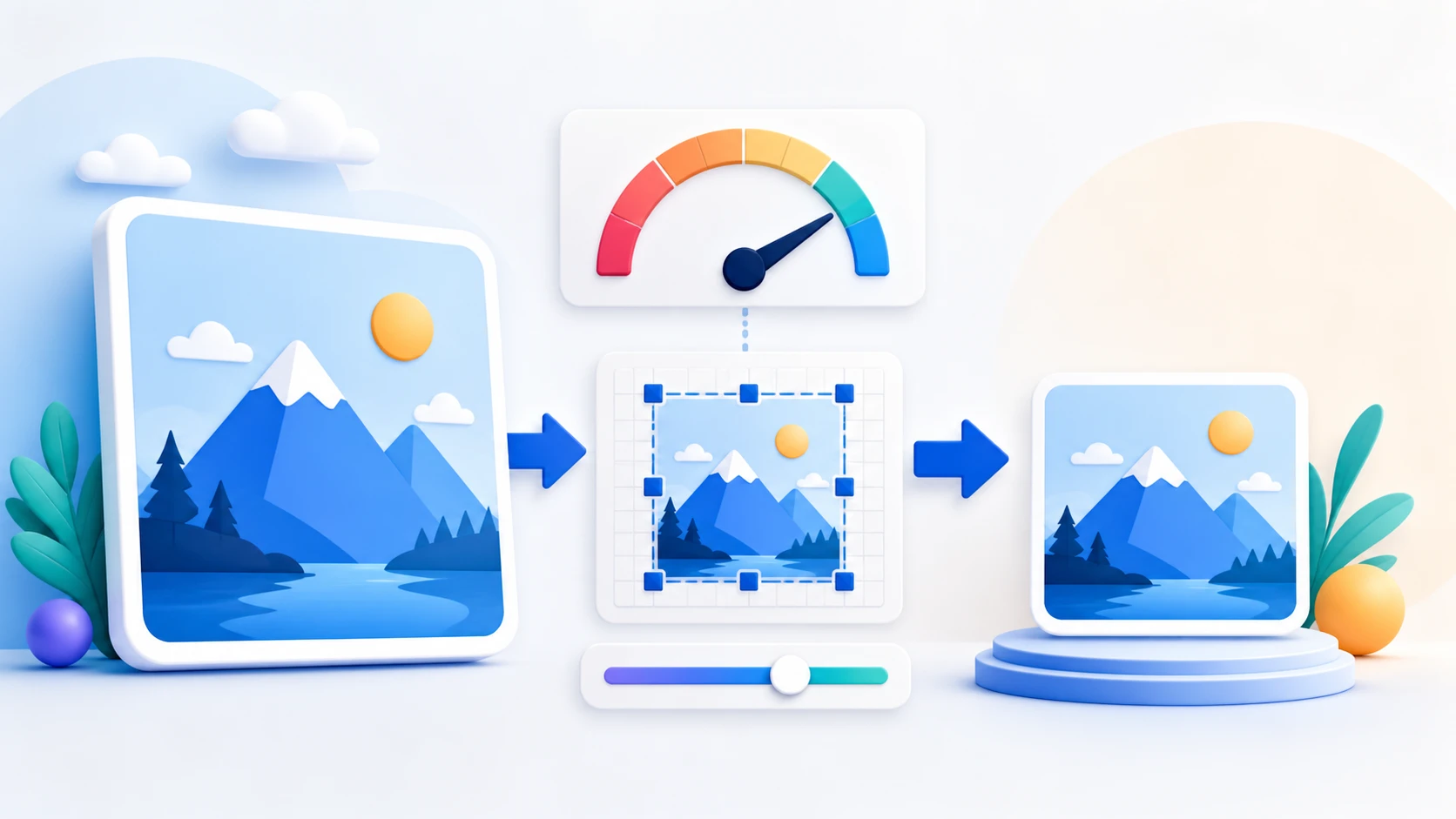
Drag and resize the crop box or enter exact X, Y, width, and height values.
Select the part of an image you want to keep, resize or position the crop rectangle, and download the cropped result. Use Image Resizer when you need to change dimensions without cutting content away.
or drop one image here
One JPG or PNG up to 25 MiBUse Crop Image when the source contains unwanted outer areas or needs a specific aspect ratio. Keep the important subject inside the crop and verify the output dimensions before download.
Drag and resize the crop box or enter exact X, Y, width, and height values.
Use a supported square, portrait, landscape, or custom ratio when the destination expects a particular shape.
Cropping removes pixels outside the selected rectangle. Use Image Resizer when the image should keep all content but change width, height, or file size.
Crop Image changes the visible boundaries of the source by removing pixels outside the selected rectangle. It does not create missing detail or restore pixels that were already cropped away.
Choose the image, position the crop area, use a supported ratio or pixel size when needed, and download the cropped copy.
Yes. Enter exact integer X, Y, width, and height values for the crop rectangle.
Yes. Available ratios are Free, Original, 1:1, 4:3, 3:2, 16:9, 9:16, and Custom.
Cropping removes pixels outside the selected region. The retained region is not scaled; its pixel width and height become the output dimensions.
Yes in PNG output. JPG output cannot store transparency and uses a white background.
No. The current tool creates rectangular crops only.
No. Selected image contents are processed locally in this browser.
Drag the crop box or enter exact pixel values.