How to Compare Two PDFs
- Choose the first PDF.
- Choose the second PDF.
- Start the comparison.
- Review the page-by-page percentage scores in the downloaded text report.
- Open the source PDFs separately and inspect important changed pages manually.
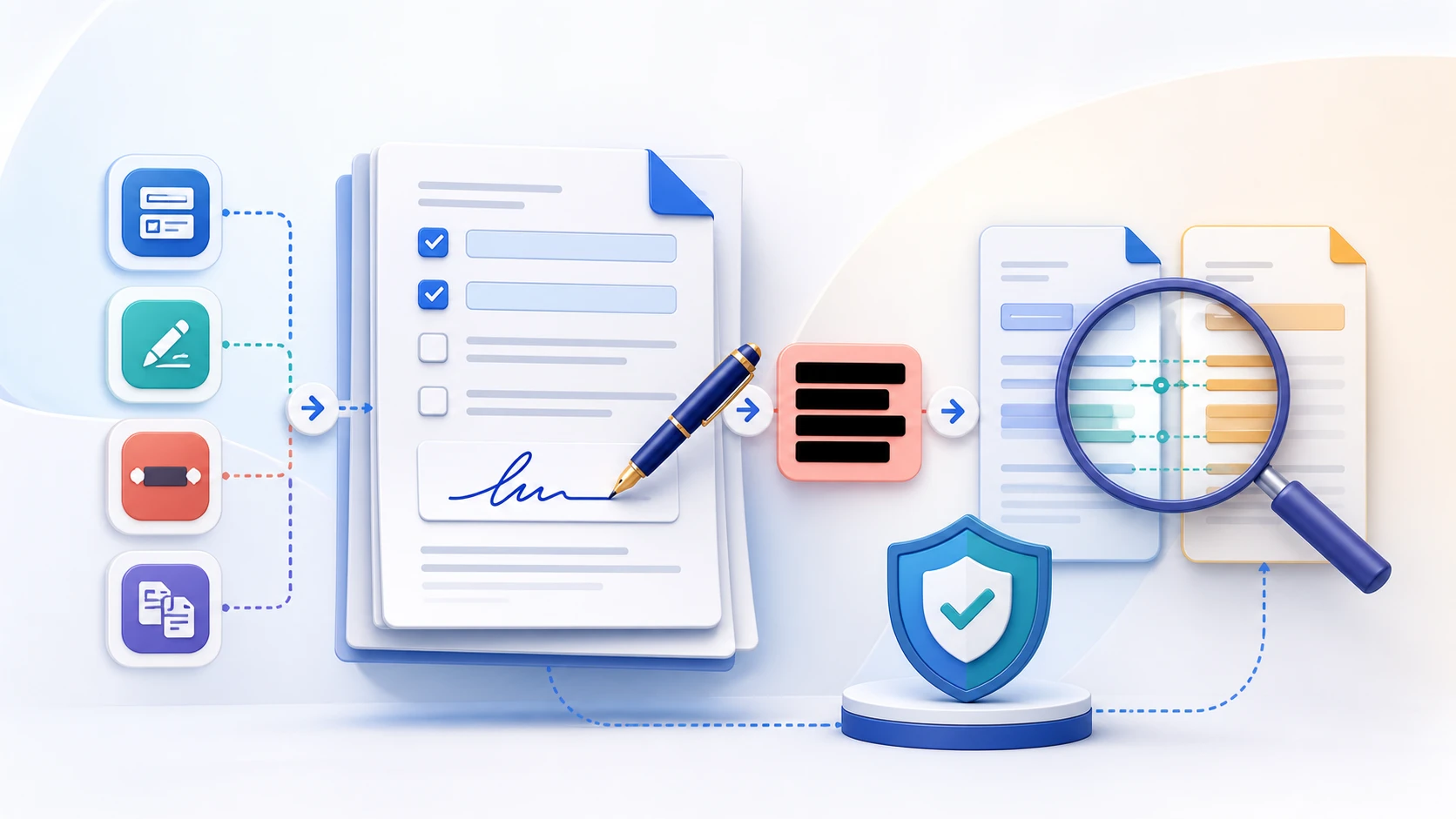
Compare two PDF versions by measuring rendered-pixel differences between corresponding pages. Use the text report for visual review, not as semantic, legal, or meaning-level analysis.
or drop the file here
Up to 50 MiB per PDF
Up to 100 pages
It renders corresponding pages on a white background and compares their RGB pixels using the selected threshold.
No. A rendered-pixel comparison cannot reliably determine whether wording means something different.
Font rendering, anti-aliasing, layout shifts, image compression, metadata-driven rendering, or different page dimensions can change the rendered pixels.
Yes. Pages are matched by page number; extra or missing pages are reported as 100% different.
No. It is a review aid and should not be presented as legal, forensic, or cryptographic verification.
No. Both selected PDFs are processed locally in this browser.
Trenger du en annen dokumentoppgave? Alle verktøy.
Compare PDF is a rendered-pixel comparison that produces page-by-page percentages. It is not a semantic text diff, legal verification, or cryptographic integrity check.
Compare PDF renders matching page positions from two documents and measures visual pixel differences. It can reveal changed wording appearance, layout movement, missing graphics, or page-level revisions, but it is not a semantic, contractual, or legal comparison.
Review corresponding page positions and use the difference report to identify where closer inspection is needed.
Layout, image, font-rendering, page-size, and visible text changes can affect the percentage in the TXT report. The tool does not create a highlighted visual overlay.
Meaning can change without a large pixel difference, and harmless rendering differences can produce a score. Always read important revisions directly.
Yes. Select two PDFs and create a TXT report of per-page rendered differences without registration or uploading them.
No. The current comparison is visual. It does not perform semantic, contractual, or legal analysis.
Font rendering, antialiasing, page dimensions, and other visual details can change pixels even when the documents look similar.