Gå til hovedindhold

PDF Reader Online

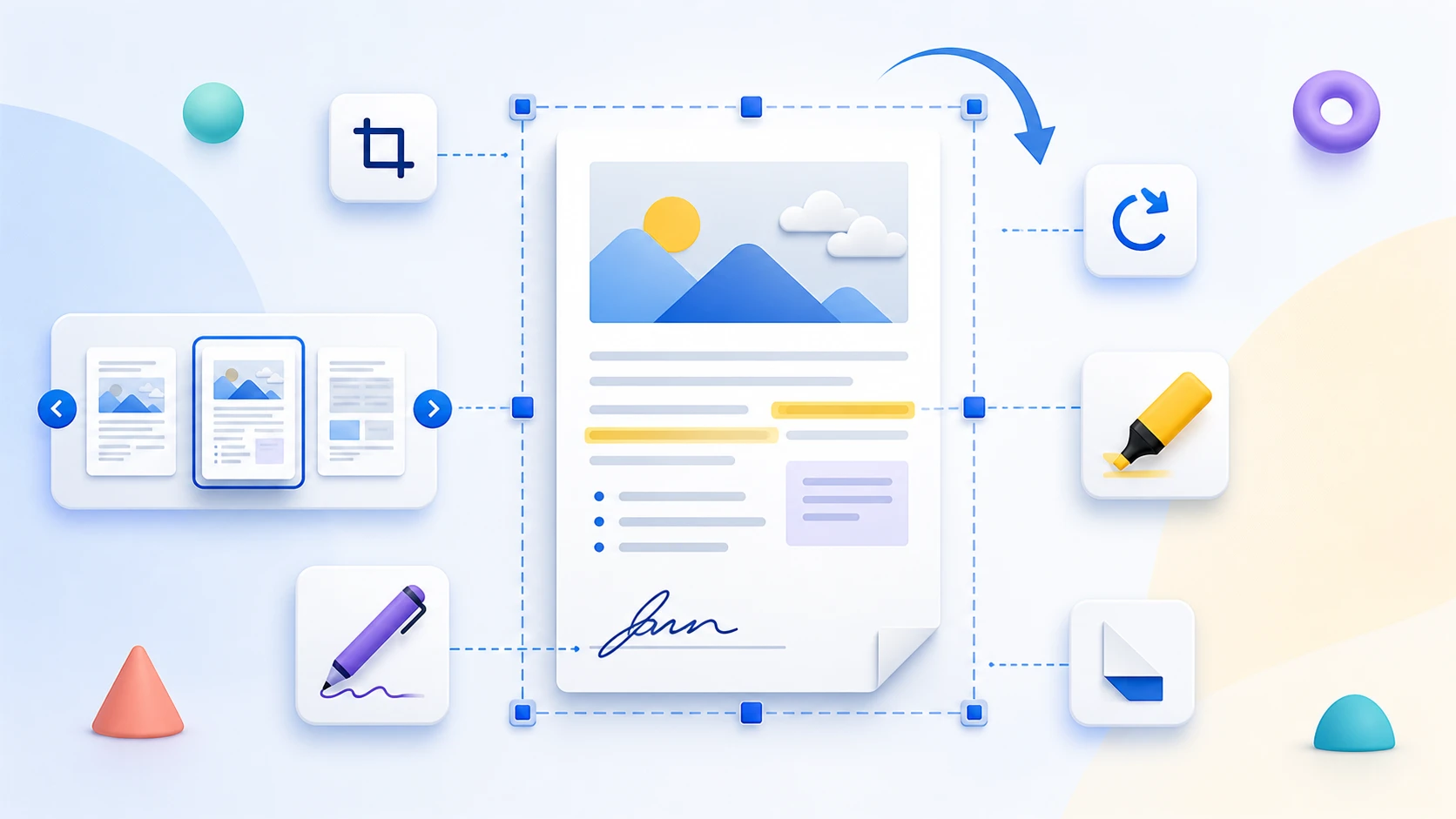
Open a PDF in a browser reading workspace, navigate with page thumbnails, zoom into details, and use the available view controls. PDF Reader is for viewing the document, not rewriting or saving edits into the source file.

or drop one PDF here

Up to 50 MiB and 500 pages

Filerne forbliver i din browser Ingen filupload Ingen konto nødvendig

How to Read a PDF Online

  1. Choose a supported PDF.
  2. Use thumbnails or page controls to move through the document.
  3. Zoom, fit, or temporarily rotate the view when those controls are available.
  4. Use a separate PDFKaka tool if the document itself needs to be edited or saved with changes.
PDF reader questions

Does PDF Reader change my PDF?

No. Reader controls do not modify or save changes into the source PDF.

Does view rotation change the file?

No. Reader rotation is temporary. Use Rotate PDF for a saved orientation change.

Can I edit or sign the document in PDF Reader?

No. Use Edit PDF or Sign PDF when the document itself needs those changes.

Can PDF Reader play text as audio?

No. Text-to-speech is not included in the current reader.

Does the reader store my PDF?

No. The reader does not store the PDF after the browser session ends.

Uploades mine filer til PDFKaka?

No. Selected PDF contents remain local to the current browser session.

Har du brug for en anden dokumentopgave? Udtræk sider.

Om dette værktøj

Read a PDF without rewriting it

PDF Reader renders document pages inside the browser and provides navigation and view controls. Use the editing, annotation, signing, or rotation tools when the file itself needs to change.

Nyttigt til

  • Review a PDF on desktop or mobile.
  • Move quickly between pages using thumbnails.
  • Zoom into small text or page details without creating a new file.

Godt at vide

  • Reader controls are not automatically saved back into the PDF.
  • The reader does not edit, annotate, sign, save, print, download, or read the document aloud.
  • The selected PDF remains local to the current browser session.
Practical guidance

Read a PDF online without uploading the document

PDF Reader opens a selected document in a private browser workspace with thumbnails, page navigation, zoom, fit controls, and temporary rotation. It is a focused viewer rather than an editor, audio reader, or AI assistant.

View PDF pages with thumbnails

Move quickly through a long document by selecting page previews instead of scrolling blindly from the beginning.

Zoom and fit PDF pages for easier reading

Use zoom controls for small text and diagrams, or fit a complete page to the available screen when overall context matters.

Keep the viewing session private

The selected PDF is read and rendered in this browser. The viewer releases its temporary document state when the page is closed or restarted.

Questions people ask about this task

Can I use this PDF reader online for free?

Yes. Open and read a supported PDF without registration or a document upload.

Does this PDF reader edit or save changes?

No. It is a read-only viewer. Temporary view rotation and zoom do not modify the selected PDF.

Can the reader play PDF text as audio?

No. Text-to-speech and audio reading are not part of the current tool.