Gå til hovedindhold

Redact PDF Online

Review full text runs matched by literal search, or select manual regions containing scanned text and graphics. The output is a new image-only PDF. Matching cannot cross separate PDF runs or automatically discover every sensitive item; inspect every exported page.

or drop the file here

Up to 50 MiB per PDF

Up to 100 pages

Filerne forbliver i din browser Ingen filupload Ingen konto nødvendig

How to Redact PDF Text

  1. Choose a supported PDF.
  2. Enter literal terms and review complete matched runs; add manual regions for scanned text, graphics or unmatched content.
  3. Resolve unmatched terms, review every covered region and create the image-only PDF.
  4. Inspect all covered areas and other places where sensitive information may remain before sharing.
Browser processing questions

Can Redact PDF remove text from a scanned PDF?

Scanned text is not detected automatically. Select its visible area manually, review the coverage and inspect the exported page.

Is drawing a black box over text enough?

No. A secure redaction workflow must ensure the underlying sensitive content is no longer recoverable through normal PDF content access.

Can I redact the same value everywhere it appears?

Each matched run is covered in full, including neighbouring words stored in that run. Matching cannot span separate runs, and unmatched requested terms block output.

Will links, forms, or signatures remain on a rebuilt redacted page?

No. Every page is rebuilt as a losslessly embedded image. Selectable text, links, forms, annotations, accessibility data and signatures are lost throughout the output.

How should I verify the result?

Inspect every page visually, including other occurrences of sensitive information. An empty search is insufficient because the whole image-only output has no searchable source text.

Are my files uploaded?

No. Selected PDF contents are processed locally in this browser.

Har du brug for en anden dokumentopgave? Alle værktøjer.

Om dette værktøj

Review conservative text coverage and manual regions

A literal match covers its entire transformed text run, which can include neighbouring words. Manual regions cover scan or image content. The entire image-only result has no searchable source text, so an empty search alone does not verify coverage.

Nyttigt til

  • Remove repeated selectable names, account numbers, or exact text values.
  • Create a redacted sharing copy from a supported digital PDF.
  • Inspect every covered area and the rest of each page in the downloaded copy.

Godt at vide

  • Scanned text is not found automatically; select its visible area manually. Separate PDF runs are not joined for matching.
  • Redaction must remove or irreversibly replace the sensitive content, not merely draw a black box above it.
  • Always inspect important pages manually before sharing the result.
Practical guidance

Redact exact selectable text from a PDF copy

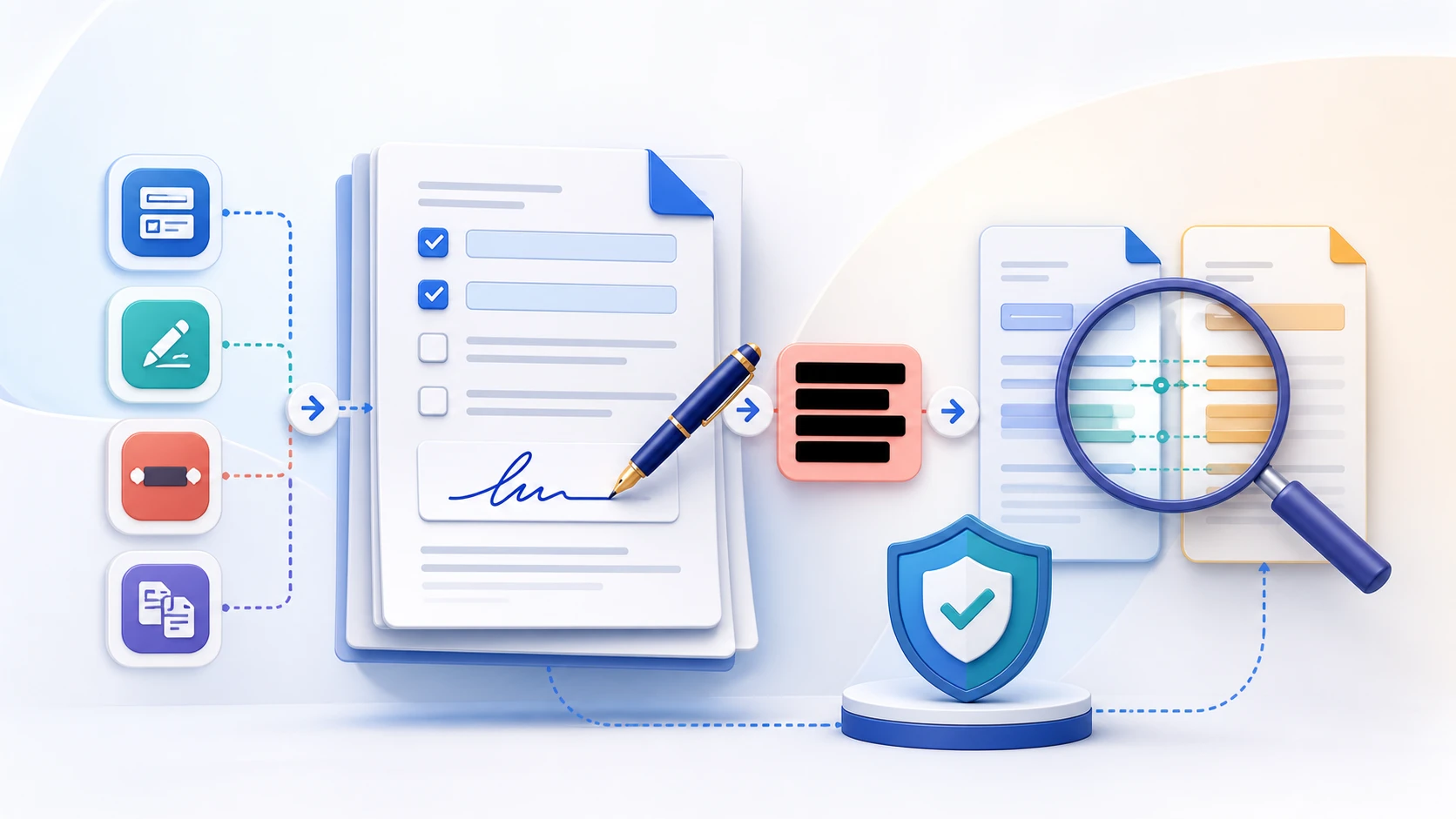
Redact PDF covers exact selectable-text matches or manually selected page regions and rebuilds every page as an image-only PDF. The output does not retain the source text layer, links, forms, annotations or cryptographic signatures. Inspect every page and every intended sensitive area before sharing.

Find repeated sensitive text

Enter an exact name, account number, address, or other value stored as selectable PDF text. Spacing, spelling, and PDF text segmentation affect matching.

Create an image-only redacted copy

Every page is rebuilt as an image, with matching text runs and selected regions covered. Searchable text, links, fields, annotations and cryptographic signatures are not retained anywhere in the new PDF.

Verify every redaction before sharing

Open the actual downloaded copy and inspect every intended sensitive area on every page. Search alone cannot verify redaction because all output pages are images. Keep the original separate and share only the checked copy.

Questions people ask about this task

Can I redact a PDF online for free with no sign-up?

Yes. The current exact-text workflow runs locally without registration, but every result must still be reviewed.

Can this redact words inside a scanned PDF?

Words in scans cannot be found automatically by this tool's text search. Select manual page regions to cover visible sensitive content, then inspect every exported page. OCR is not required for manual region selection.

Is drawing a black box over text enough?

A visual cover can leave underlying text recoverable. This tool rebuilds every page without copying source text or interactive structures, but you must still inspect the final copy and confirm all intended areas are covered.