PDF to text guide
How to clean line breaks after PDF-to-text extraction
Join line wraps that came from fixed page positions while preserving real paragraphs, lists, headings, and page boundaries.
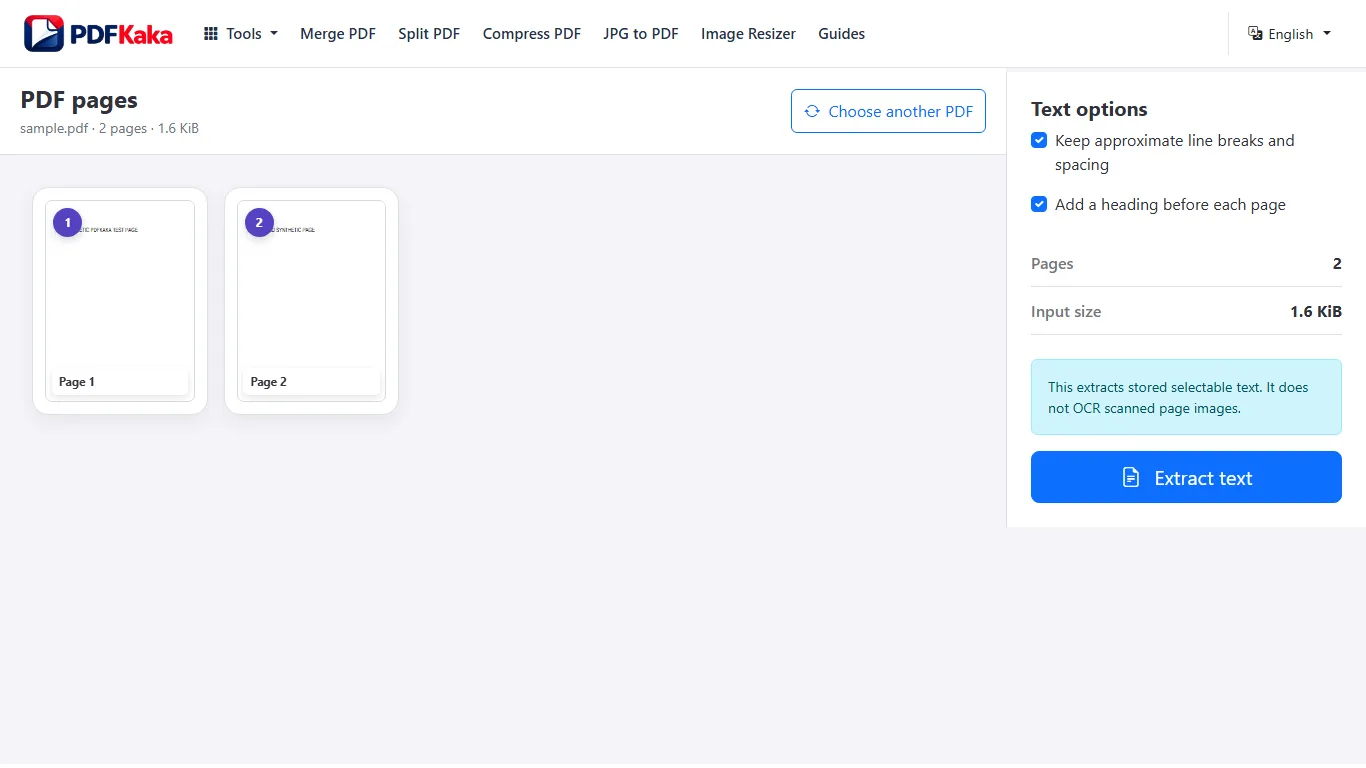
What to inspect when clean line breaks after PDF-to-text extraction
- Join line wraps that came from fixed page positions while preserving real paragraphs, lists, headings, and page boundaries.
- Read the cleaned text beside the PDF so removed breaks do not accidentally join separate content.
Text extraction does not replace OCR
Extracts stored selectable text only; no OCR and no page images.
FAQ
Does PDF to Text run OCR on scanned pages?
No. PDF to Text extracts text that already exists in the PDF. Use OCR PDF first for image-only scans.
What is the current input limit for PDF to Text?
PDF; One PDF ≤50 MiB, ≤500 pages; ≤1,000,000 extracted characters.
What does PDF to Text create?
stored selectable text only, no OCR; TXT ≤150 MiB.