PDF to Markdown guide
How to convert PDF to Markdown online
Extract PDF text into lightweight Markdown while understanding the limits of headings, tables, images, and reading order.
On this page
Convert the PDF to Markdown
- Extract PDF text into lightweight Markdown while understanding the limits of headings, tables, images, and reading order.
- Scanned pages need OCR before text conversion.
- Tables, images, columns, and headings require careful review.
Check whether the PDF contains selectable text
Try selecting a sentence in a PDF reader. If the complete page behaves like one image, OCR is required before a useful Markdown conversion can occur.
- Open the PDF in a reader.
- Test text selection on several pages.
- Run OCR first when pages are image-only.
Create the Markdown file
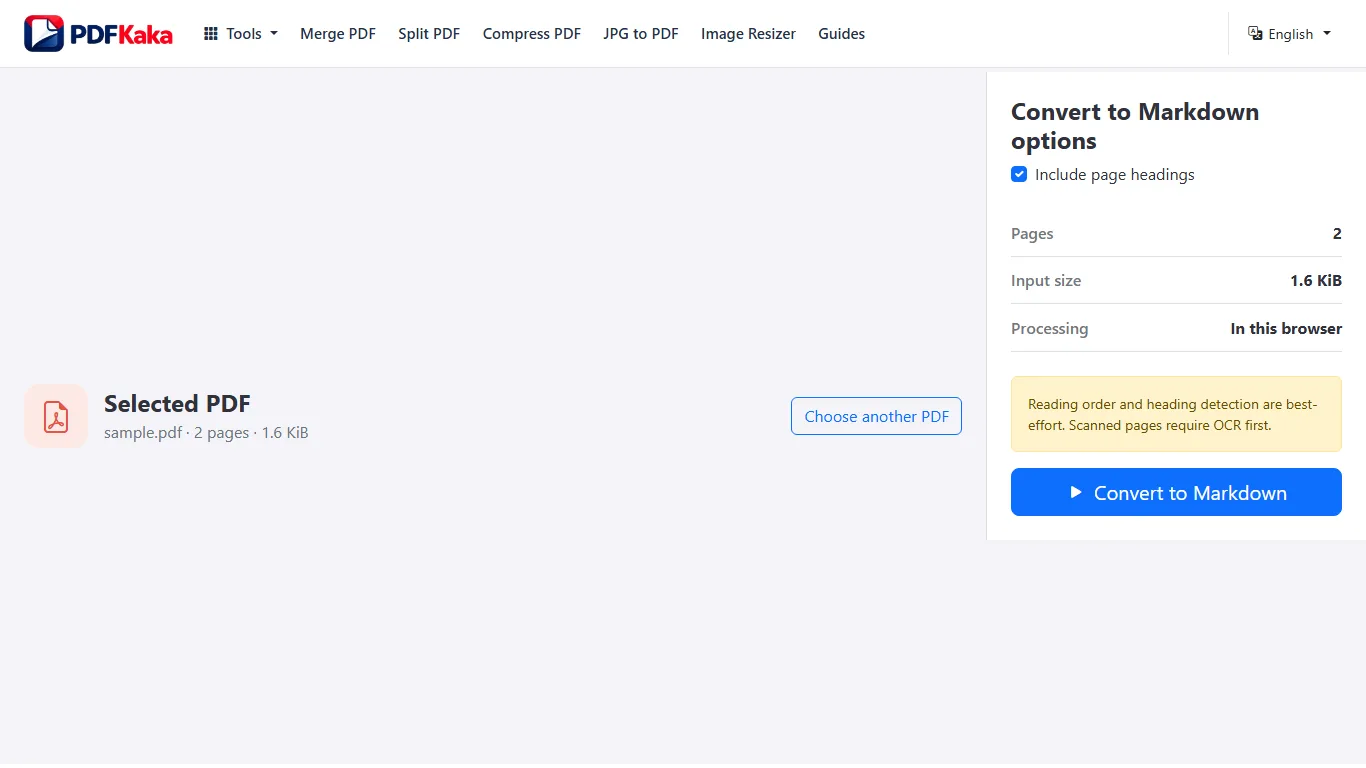
Open PDF to Markdown and convert the document locally. The tool extracts text and applies conservative rules for paragraphs and likely headings rather than inventing a complex structure.
- Select the searchable PDF.
- Start the Markdown conversion.
- Download and open the MD file in a text editor.
Review structure before publishing or using AI
Correct heading levels, reading order, lists, code-like text, and missing table context. Do not assume an automated conversion preserved every relationship from the visual page.
- Compare the Markdown with the PDF.
- Repair headings and paragraphs.
- Remove private or irrelevant content before reuse.
FAQ
Does PDF to Markdown OCR scanned pages?
No. Use OCR PDF first when a scanned document does not already contain usable selectable text.
What is the current input limit for PDF to Markdown?
PDF; One PDF ≤50 MiB, ≤100 pages; ≤1,000,000 extracted characters.
What does PDF to Markdown create?
selectable text extraction, best-effort reading order; no OCR; Markdown ≤150 MiB.