TXT to PDF guides
How to convert TXT to PDF without software or registration
Create a PDF from plain text locally in the browser without installing an application or creating an account.
Reviewed by PDFKaka ·
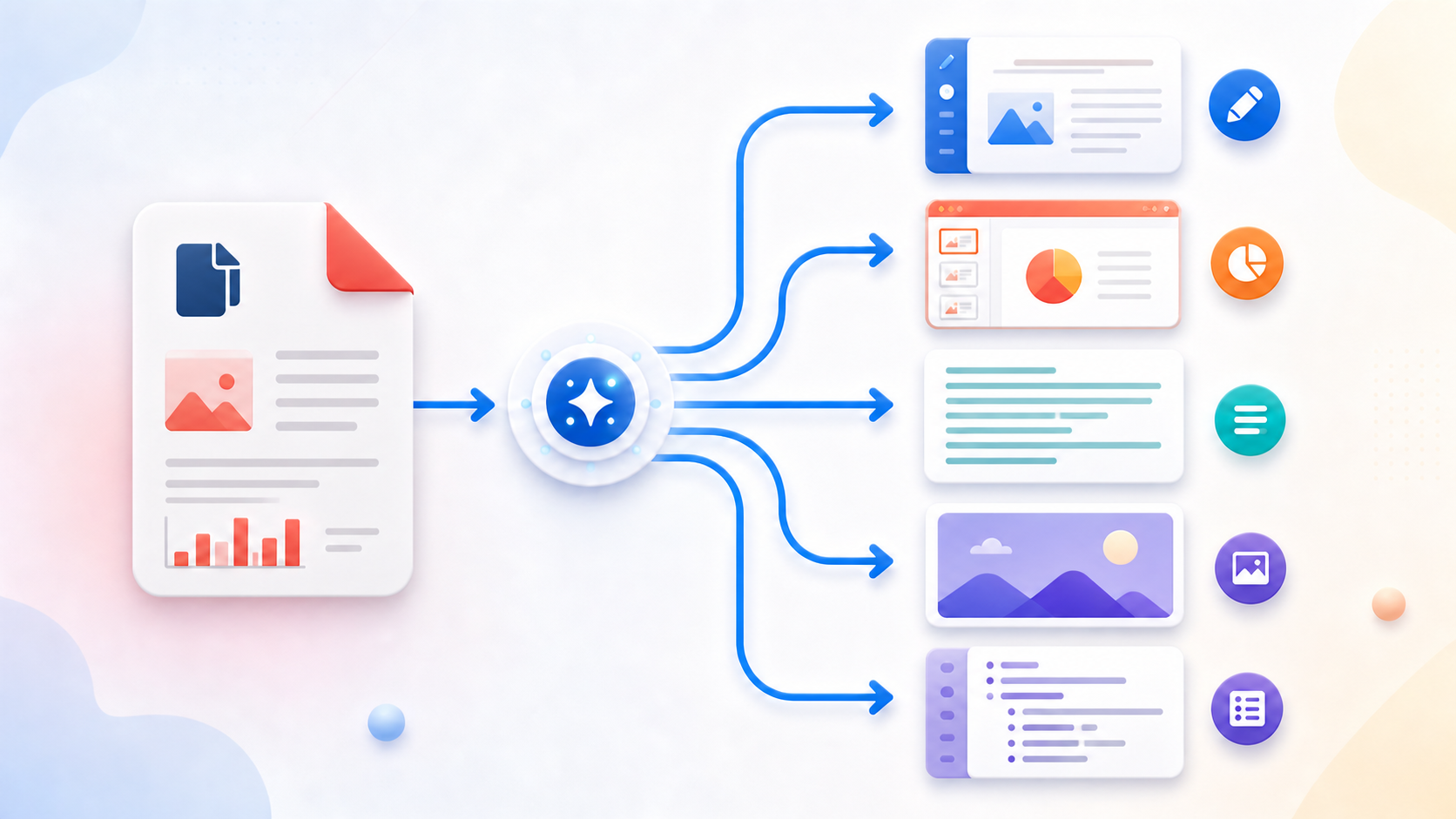
What this workflow helps you do
This workflow focuses on completing the task without registration and without sending document contents to PDFKaka. TXT to PDF runs in the current browser, but the finished file should still be handled according to its sensitivity.
Create a PDF from plain text locally in the browser without installing an application or creating an account.
Plan the task in TXT to PDF
Convert plain text into a paginated PDF, choose the available page and text settings, and keep the generated document inside the current browser session.
TXT to PDF paginates plain text using the paper size, margins, font size, and line spacing you choose. The result keeps text selectable and creates a stable document for printing, reviewing, or sharing without turning the text into screenshots.
- Create PDF pages from a TXT file. Choose a UTF-8 text file, review its content, adjust the page settings, and create a consistently paginated PDF.
- Keep plain text selectable. The generated PDF stores real text rather than page images, making simple notes, logs, and drafts easier to search and copy.
- Choose readable text spacing. Paper size, margins, font size, and line spacing determine how much content appears on each page. Very long lines wrap within the selected margins.
Understand the no-login, local-processing boundary
The current TXT to PDF workflow uses browser-side processing and does not require an account. PDFKaka does not receive the selected document contents during normal tool use.
The privacy boundary changes after the download if the result is emailed, synchronized, or uploaded elsewhere. A local workflow cannot control a third-party service, shared device, browser extension, or operating-system backup.
- Use a device and browser profile you trust.
- Review where the browser saved the result.
- Handle the downloaded copy according to the document's sensitivity.
Settings and limitations to check
Can I convert TXT to PDF online for free? Yes. Choose a supported plain-text file and create the PDF without registration.
Does TXT to PDF understand Markdown formatting? No. The input is treated as plain text; Markdown and rich-text styling are not interpreted.
Will every writing system display correctly? The current standard PDF font is intended for basic Latin characters. Review non-Latin or specialist characters before relying on the result.
- Use only the settings needed for the required result.
- Keep the source file available for comparison.
- Do not rely on an unsupported exact-size, fidelity, or security promise.
Review the completed file
Review the local download before using it as an official or shared document.
Open the downloaded result in a separate viewer, inspect important pages or details, and repeat the workflow with adjusted settings if the output is not suitable.
- Confirm the expected file type and page count.
- Check important text, images, order, and orientation.
- Share or submit only the reviewed copy.
Tools used in this workflow
Frequently asked questions
What should I prepare before following this workflow?
Create a PDF from plain text locally in the browser without installing an application or creating an account.
How should I verify the result?
Review the local download before using it as an official or shared document.
Can I convert TXT to PDF online for free?
Yes. Choose a supported plain-text file and create the PDF without registration.
Does TXT to PDF understand Markdown formatting?
No. The input is treated as plain text; Markdown and rich-text styling are not interpreted.
Will every writing system display correctly?
The current standard PDF font is intended for basic Latin characters. Review non-Latin or specialist characters before relying on the result.
Do I need an account to use TXT to PDF?
No. Current PDFKaka tools work without registration or sign-in.
Are my files uploaded while I use TXT to PDF?
No. This working tool processes the selected files locally in the current browser session.