Redact PDF guides
How to redact PDF without Adobe Acrobat
Run the current exact-text redaction locally without installing Acrobat or sending the document to PDFKaka.
Reviewed by PDFKaka ·
What this workflow helps you do
This workflow focuses on completing the task without registration and without sending document contents to PDFKaka. Redact PDF runs in the current browser, but the finished file should still be handled according to its sensitivity.
Run the current exact-text redaction locally without installing Acrobat or sending the document to PDFKaka.
Plan the task in Redact PDF
Search for exact text runs and create a redacted copy with matching content permanently covered. Always review every result before sharing it.
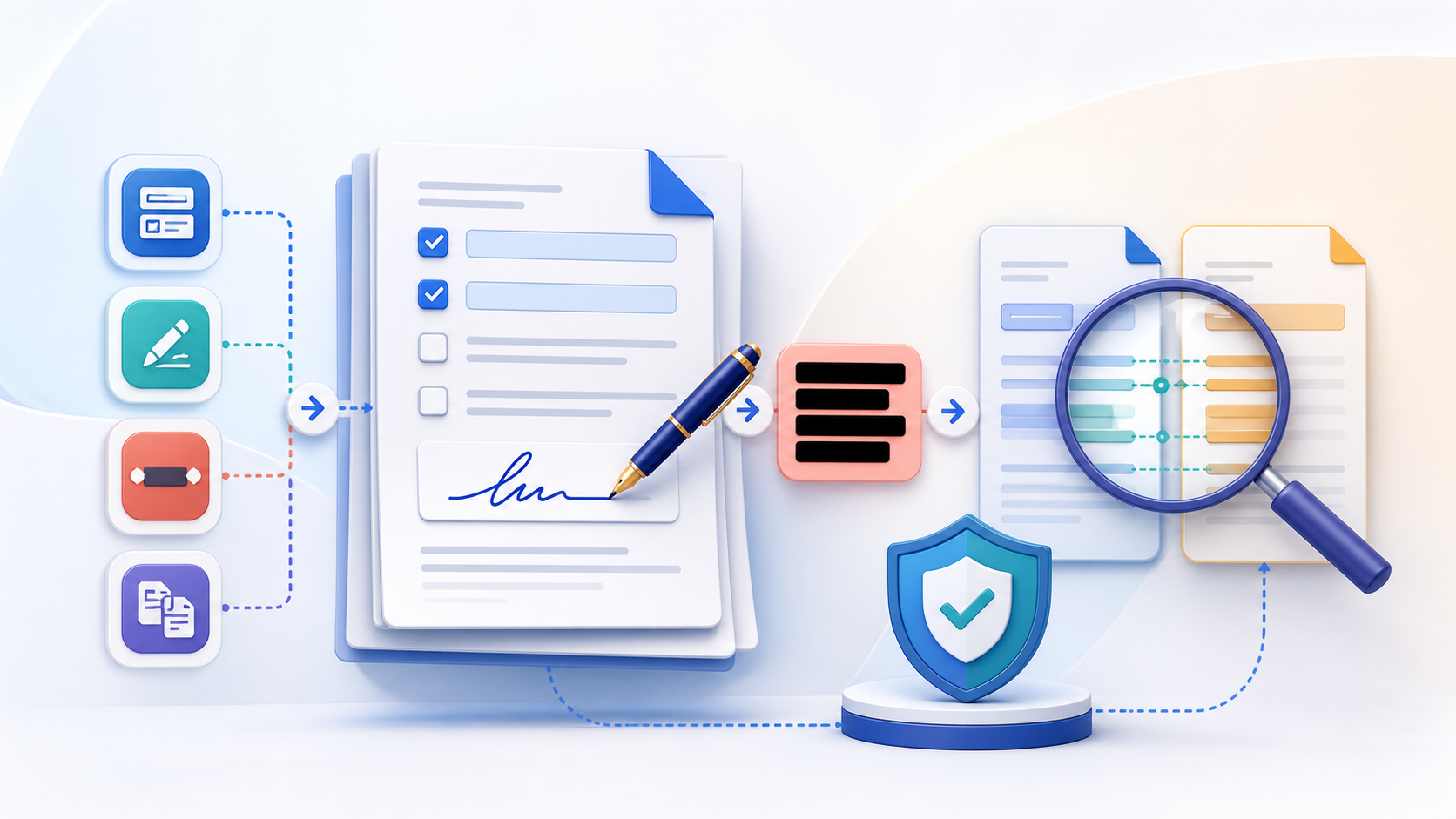
Redact PDF searches for an exact selectable-text value, covers matching areas, and rebuilds affected pages so the matched source text is not retained underneath. It is a focused workflow that requires careful visual and text verification before the file is shared.
- Find repeated sensitive text. Enter an exact name, account number, address, or other value stored as selectable PDF text. Spacing, spelling, and PDF text segmentation affect matching.
- Create a flattened redacted page. Affected pages are rebuilt as images with the matches covered. Searchable text, links, fields, and signatures on those pages are not retained.
- Verify every redaction before sharing. Open the result, inspect every affected page, search for the original value, and keep the source file separate. Automated matching is not a substitute for review.
Understand the no-login, local-processing boundary
The current Redact PDF workflow uses browser-side processing and does not require an account. PDFKaka does not receive the selected document contents during normal tool use.
The privacy boundary changes after the download if the result is emailed, synchronized, or uploaded elsewhere. A local workflow cannot control a third-party service, shared device, browser extension, or operating-system backup.
- Use a device and browser profile you trust.
- Review where the browser saved the result.
- Handle the downloaded copy according to the document's sensitivity.
Settings and limitations to check
Can I redact a PDF online for free with no sign-up? Yes. The current exact-text workflow runs locally without registration, but every result must still be reviewed.
Can this redact words inside a scanned PDF? Not reliably. Image-only pages do not contain selectable text. OCR can help identify text, but sensitive scans still require careful manual verification.
Is drawing a black box over text enough? A visual cover can leave underlying text recoverable. This tool rebuilds affected pages, but you must still inspect and test the final copy.
- Use only the settings needed for the required result.
- Keep the source file available for comparison.
- Do not rely on an unsupported exact-size, fidelity, or security promise.
Review the completed file
Verify the generated copy independently and keep the unredacted original secured.
Open the downloaded result in a separate viewer, inspect important pages or details, and repeat the workflow with adjusted settings if the output is not suitable.
- Confirm the expected file type and page count.
- Check important text, images, order, and orientation.
- Share or submit only the reviewed copy.
Tools used in this workflow
Frequently asked questions
What should I prepare before following this workflow?
Run the current exact-text redaction locally without installing Acrobat or sending the document to PDFKaka.
How should I verify the result?
Verify the generated copy independently and keep the unredacted original secured.
Can I redact a PDF online for free with no sign-up?
Yes. The current exact-text workflow runs locally without registration, but every result must still be reviewed.
Can this redact words inside a scanned PDF?
Not reliably. Image-only pages do not contain selectable text. OCR can help identify text, but sensitive scans still require careful manual verification.
Is drawing a black box over text enough?
A visual cover can leave underlying text recoverable. This tool rebuilds affected pages, but you must still inspect and test the final copy.
Do I need an account to use Redact PDF?
No. Current PDFKaka tools work without registration or sign-in.
Are my files uploaded while I use Redact PDF?
No. This working tool processes the selected files locally in the current browser session.