Extract pages guides
How to extract PDF pages without Acrobat or sign-up
Create a new PDF from selected pages locally without installing desktop software or registering an account.
Reviewed by PDFKaka ·
What this workflow helps you do
This workflow focuses on completing the task without registration and without sending document contents to PDFKaka. Extract pages runs in the current browser, but the finished file should still be handled according to its sensitivity.
Create a new PDF from selected pages locally without installing desktop software or registering an account.
Plan the task in Extract pages
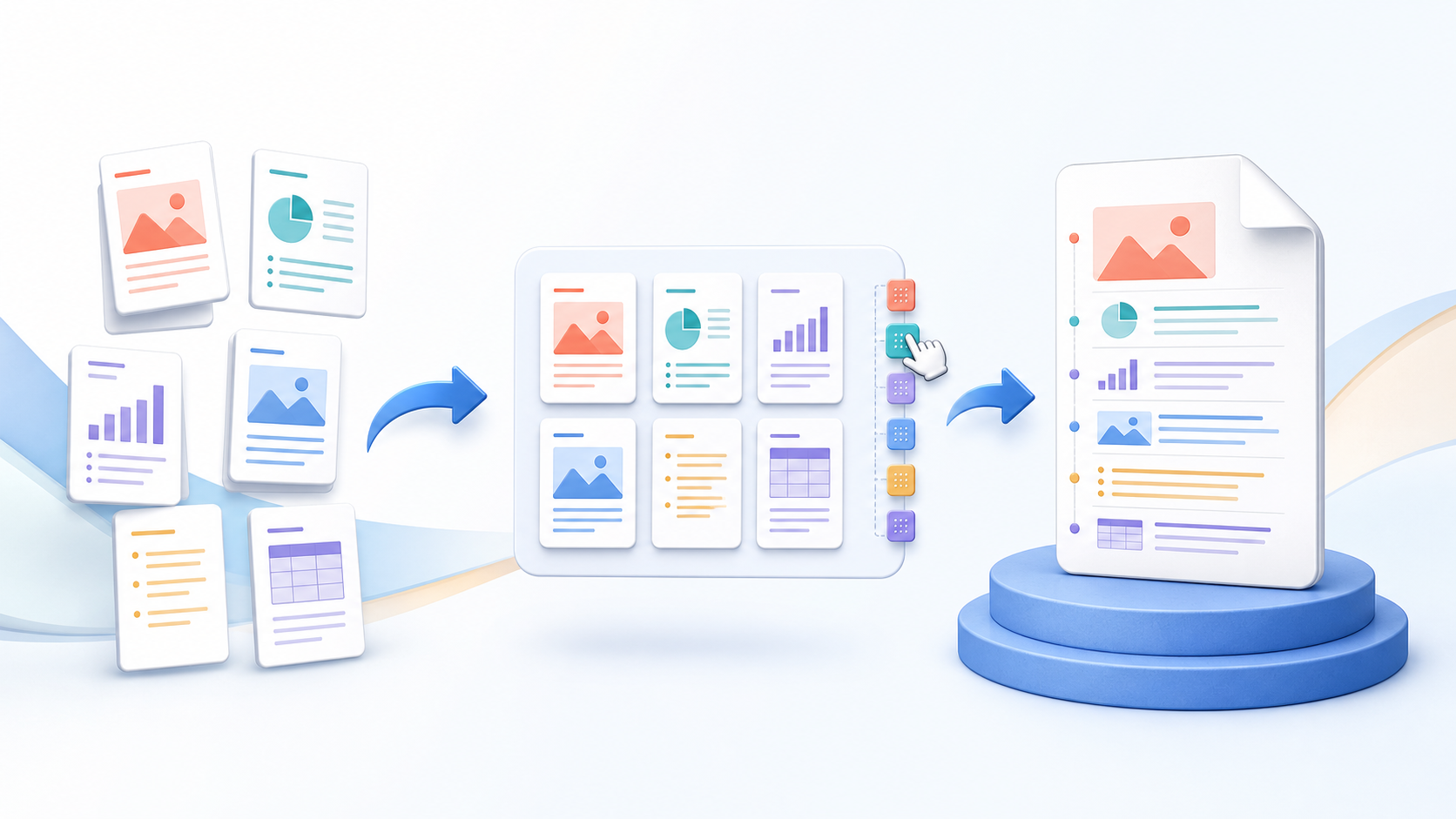
Choose the pages you need, check them in the visual preview, and create one focused PDF while preserving the original page order, dimensions, and visible quality.
Use Extract Pages when only a chapter, appendix, form, invoice, or evidence section should become a separate PDF. Select the relevant page thumbnails and create one focused document while keeping the complete source file unchanged.
- Extract one page or several selected pages. Choose any useful subset from the source document. The extracted pages remain in their original source order so the new PDF is predictable and easy to review.
- Make a new PDF from selected pages. The result is a normal PDF that can be opened, shared, merged, or organized like any other document. Source page dimensions and visible quality are preserved.
- Choose PDF output instead of page images. Extract Pages copies complete PDF pages. If the goal is a JPG or PNG image for each selected page, use PDF to JPG instead.
Understand the no-login, local-processing boundary
The current Extract pages workflow uses browser-side processing and does not require an account. PDFKaka does not receive the selected document contents during normal tool use.
The privacy boundary changes after the download if the result is emailed, synchronized, or uploaded elsewhere. A local workflow cannot control a third-party service, shared device, browser extension, or operating-system backup.
- Use a device and browser profile you trust.
- Review where the browser saved the result.
- Handle the downloaded copy according to the document's sensitivity.
Settings and limitations to check
Can I extract pages from a PDF online for free? Yes. Choose the pages and download one new PDF without registration or a document upload.
Can I extract a page as JPG? Use PDF to JPG for image output. Extract Pages produces another PDF containing the selected complete pages.
Does extracting pages delete them from the original PDF? No. Extraction creates a new document and leaves the selected source file unchanged.
- Use only the settings needed for the required result.
- Keep the source file available for comparison.
- Do not rely on an unsupported exact-size, fidelity, or security promise.
Review the completed file
Check the result before moving the extracted pages into email, storage, or another service.
Open the downloaded result in a separate viewer, inspect important pages or details, and repeat the workflow with adjusted settings if the output is not suitable.
- Confirm the expected file type and page count.
- Check important text, images, order, and orientation.
- Share or submit only the reviewed copy.
Tools used in this workflow
Frequently asked questions
What should I prepare before following this workflow?
Create a new PDF from selected pages locally without installing desktop software or registering an account.
How should I verify the result?
Check the result before moving the extracted pages into email, storage, or another service.
Can I extract pages from a PDF online for free?
Yes. Choose the pages and download one new PDF without registration or a document upload.
Can I extract a page as JPG?
Use PDF to JPG for image output. Extract Pages produces another PDF containing the selected complete pages.
Does extracting pages delete them from the original PDF?
No. Extraction creates a new document and leaves the selected source file unchanged.
Do I need an account to use Extract pages?
No. Current PDFKaka tools work without registration or sign-in.
Are my files uploaded while I use Extract pages?
No. This working tool processes the selected files locally in the current browser session.