How to resize an image to 200KB
- Select one JPG or PNG passport photo or image.
- Use the preselected 200 KB maximum.
- Resize locally, review the final size, and download the optimized image.
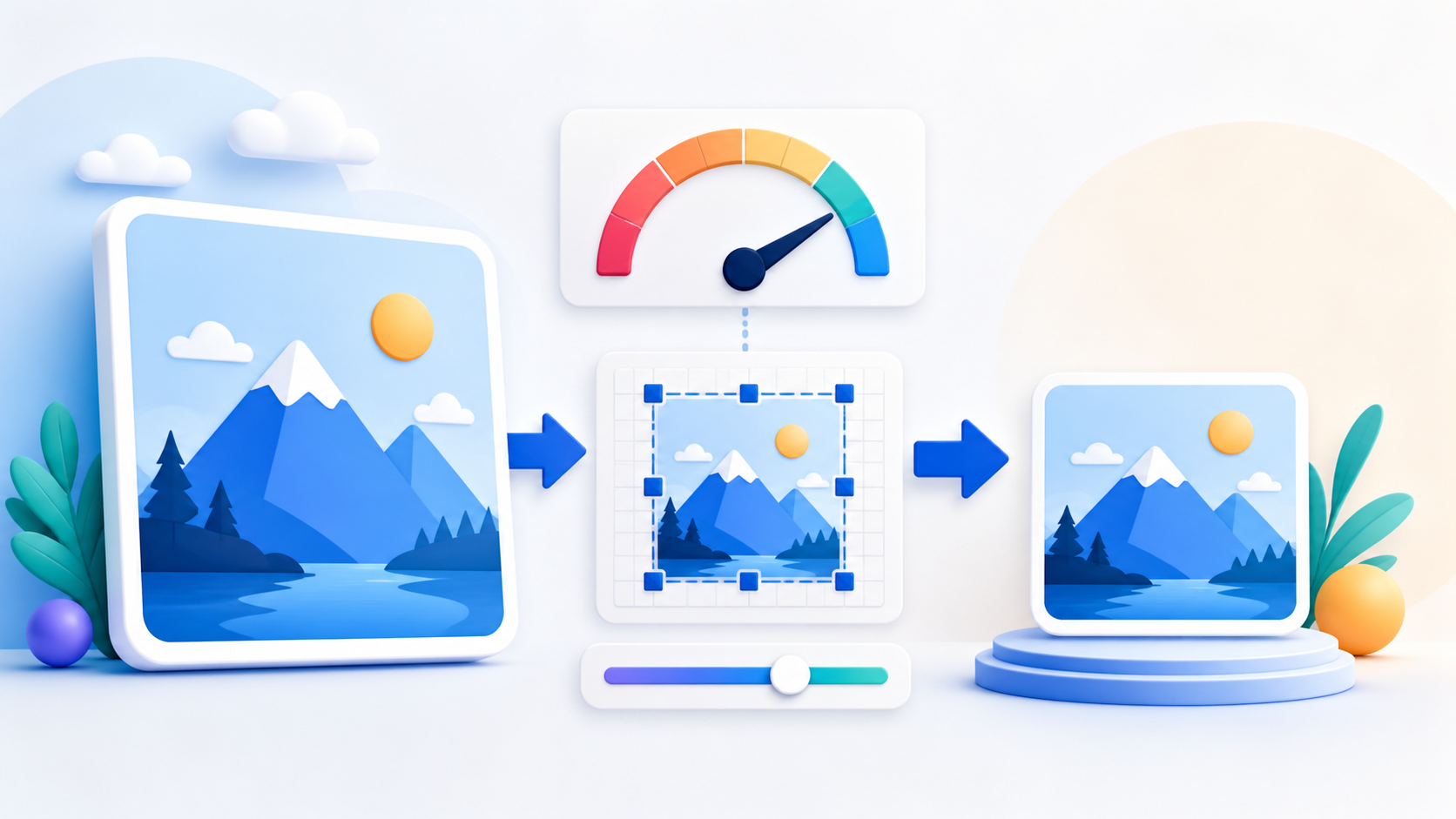
Reduce a JPG or PNG image to 200KB or less with the target already selected. PDFKaka adjusts JPEG quality and, when necessary, pixel dimensions while the image stays on your device.
or drop one image here
One JPG or PNG up to 25 MiB
Target from 5 KB to 5,000 KB
Yes. Enter 25 KB and the tool will reduce JPEG quality and, when necessary, image dimensions to stay at or below the target.
The result is kept at or below the requested limit. Exact bytes vary because browsers encode images differently.
Yes. Smart reduce is the default and compresses at high quality without changing image dimensions.
No. Decoding, resizing, compression, preview, and download all happen in this browser.
Need to place several images into a document? Convert JPG or PNG to PDF.
Image Resizer adjusts JPEG quality and, when necessary, pixel dimensions to produce the smallest change that fits your selected limit.
An image resizer in KB solves a different problem from changing width and height. PDFKaka supports both: choose a maximum file size for an upload portal, or set pixel dimensions for a form, website, profile, or document. The output is generated locally as a JPEG.
Choose a common preset or enter another maximum. The tool searches for the best practical JPEG quality and reduces dimensions only when the original image cannot meet the target through quality adjustment alone.
Use dimension mode when a portal specifies width, height, or aspect ratio. Keeping the aspect ratio prevents accidental stretching, while the no-enlarge option protects smaller originals.
Very small targets can blur faces, document text, signatures, and fine edges. Review the downloaded image at full size and use a larger limit when essential detail becomes unclear.
The result is kept at or below the maximum, not padded to an exact byte count. Browser JPEG encoders can produce slightly different sizes.
Yes, but the output is JPEG. JPEG does not support transparency, so transparent PNG areas are flattened.
The current tool is designed to reduce file size or change dimensions. Artificially increasing bytes does not improve image detail and is not offered as a target workflow.
Start with the result you need, then follow an honest workflow across the right browser tools.