PDF to Word guide
PDF to Word, text, Markdown, PowerPoint, or images: which output should you choose?
The best conversion format depends on what you plan to do next. No single output preserves every part of a PDF equally well.
On this page
How these workflows differ
- Word, text, and Markdown need selectable source text or an OCR step.
- PowerPoint preserves each page visually as a slide image.
- JPG or PNG is best when a complete page is needed as an image.
Choose an editable text format
Use PDF to Word for an editable DOCX, PDF to Text for simple UTF-8 text, or PDF to Markdown for lightweight structured text. Complex layouts and reading order remain best-effort.
- Check whether the source text can be selected.
- Run OCR first if the pages are scans.
- Choose the output that matches the next application.
Choose PowerPoint for page-based slides
PDF to PowerPoint places each PDF page onto a slide as a high-quality image. It preserves the page appearance, but the text inside the image is not separately editable.
- Select the PDF.
- Convert every page to a slide.
- Add editable presentation content separately when needed.
Choose JPG or PNG for page images
PDF to JPG renders complete pages. JPG is usually smaller for photographic content, while PNG preserves rendered pixels without lossy image compression.
- Select the pages and output format.
- Choose a suitable image scale.
- Download one image or the ZIP archive.
FAQ
PDF to Word, text, Markdown, PowerPoint, or images: which output should you choose?
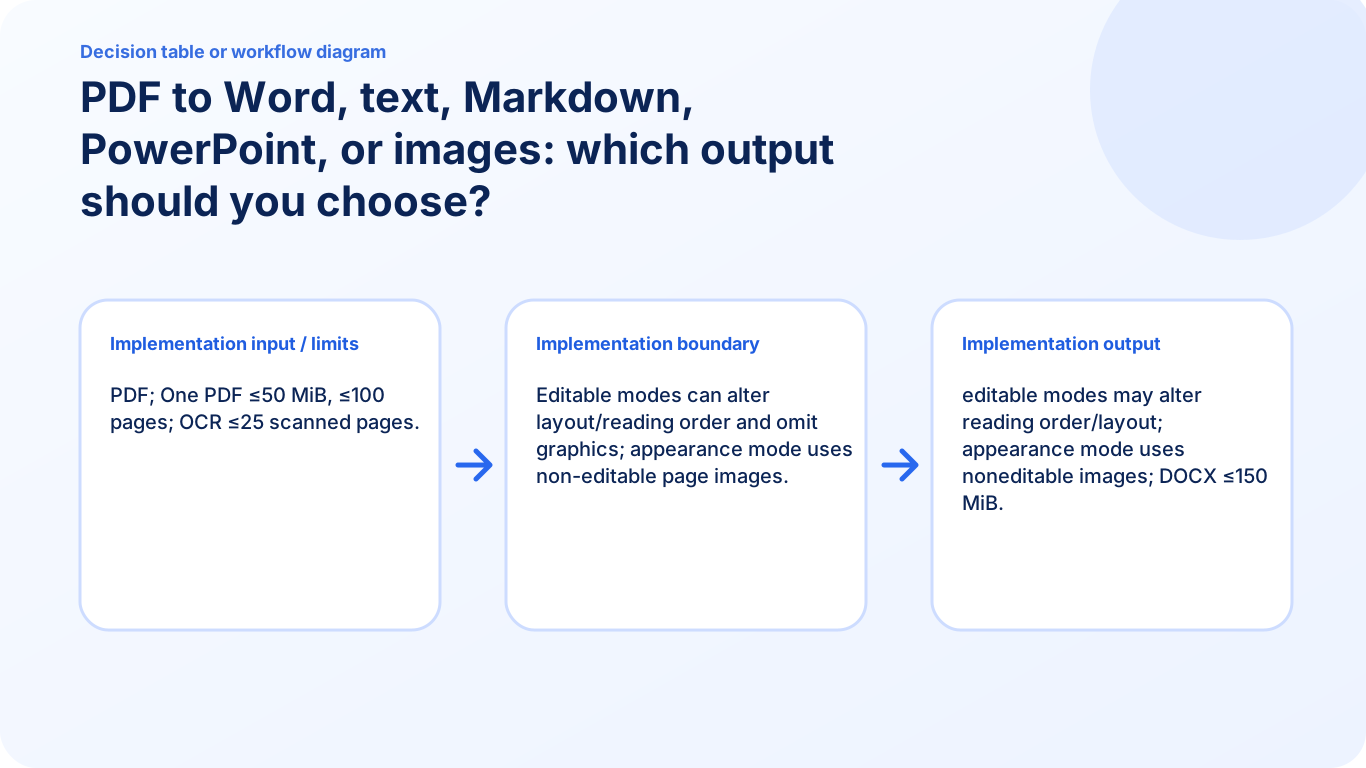
The best conversion format depends on what you plan to do next. No single output preserves every part of a PDF equally well. Editable modes can alter layout/reading order and omit graphics; appearance mode uses non-editable page images.
Will the Word document keep the PDF layout exactly?
Not always. Editable conversion can change layout or reading order, while appearance-focused output may use page images that are not separately editable.
What is the current input limit for PDF to Word?
PDF; One PDF ≤50 MiB, ≤100 pages; OCR ≤25 scanned pages.