
Compress PDF guides

How to compress PDF toward 100KB, 200KB, or 500KB

Reduce a suitable image-heavy PDF toward a portal limit while treating 100KB, 200KB, or 500KB as a maximum rather than a guaranteed exact result.
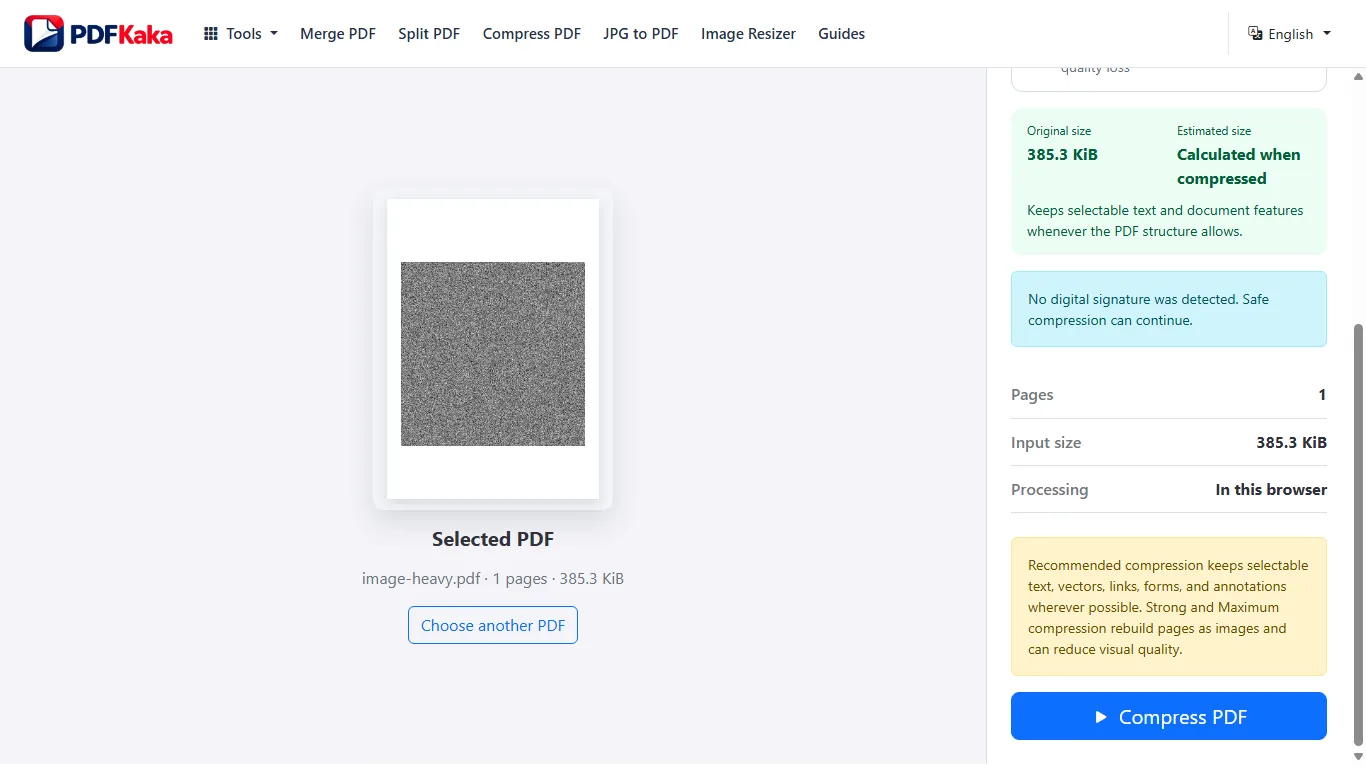
Open Compress PDF

Reviewed by PDFKaka ·

How to compress PDF toward 100KB, 200KB, or 500KB

What this workflow helps you do

A KB or MB requirement is normally a maximum upload limit, not a promise of exact byte equality. Use Compress PDF to move toward the limit, then check both the reported size and the readability of the result.

Reduce a suitable image-heavy PDF toward a portal limit while treating 100KB, 200KB, or 500KB as a maximum rather than a guaranteed exact result.

Plan the task in Compress PDF

Make a PDF smaller by rebuilding its pages with your chosen image quality. This works best for scanned or image-heavy documents and clearly shows the quality trade-off.

Searches for compressing a PDF to 100KB, 200KB, 500KB, or 1MB usually come from an upload limit. PDFKaka can make scanned and image-heavy PDFs smaller with adjustable quality, but it does not falsely promise an exact final size. The result depends on page count, dimensions, colours, and source content.

  1. Compress scanned and image-heavy PDF files. The tool renders each page and rebuilds the PDF with compressed page images. That can substantially reduce scans, photographed notes, image portfolios, and similar documents.
  2. Choose readable quality before the smallest size. Lower quality can produce a smaller file, but fine print, signatures, diagrams, and identification details may become harder to read. Compare the result with the original before using it.
  3. Understand what compression changes. Because pages are rebuilt as images, selectable text, links, interactive fields, and digital signatures are not retained. Keep the original PDF whenever those features matter.

Treat the target as a measurable limit

A request such as 50KB, 100KB, 200KB, 500KB, or 1MB normally means the output must not exceed that value. Compress PDF cannot make every source fit every limit while preserving readable content.

Check the destination's accepted format, dimensions, page count, and whether it reports decimal KB or binary KiB. Leave a small margin below the stated maximum when another system measures bytes differently.

  1. Record every upload requirement, not only KB or MB.
  2. Measure the downloaded result rather than estimating it.
  3. Reject an unreadable result even when its byte size passes.

Settings and limitations to check

Can this compress a PDF to exactly 200KB or 500KB? Not exactly. Choose a quality level, check the resulting size, and try a lower setting if necessary. Some PDFs cannot reach a very small limit while remaining readable.

Why did my text-only PDF not become much smaller? Digitally created text PDFs can already be compact. This method is most effective for scanned or image-heavy pages.

Are compressed PDF pages uploaded? No. Rendering, image compression, document rebuilding, and download happen in this browser.

  1. Use only the settings needed for the required result.
  2. Keep the source file available for comparison.
  3. Do not rely on an unsupported exact-size, fidelity, or security promise.

Review the completed file

Check the downloaded byte size and zoom into the smallest important text before submitting it.

Open the downloaded result in a separate viewer, inspect important pages or details, and repeat the workflow with adjusted settings if the output is not suitable.

  1. Confirm the expected file type and page count.
  2. Check important text, images, order, and orientation.
  3. Share or submit only the reviewed copy.

Tools used in this workflow

Frequently asked questions

What should I prepare before following this workflow?

Reduce a suitable image-heavy PDF toward a portal limit while treating 100KB, 200KB, or 500KB as a maximum rather than a guaranteed exact result.

How should I verify the result?

Check the downloaded byte size and zoom into the smallest important text before submitting it.

Can this compress a PDF to exactly 200KB or 500KB?

Not exactly. Choose a quality level, check the resulting size, and try a lower setting if necessary. Some PDFs cannot reach a very small limit while remaining readable.

Why did my text-only PDF not become much smaller?

Digitally created text PDFs can already be compact. This method is most effective for scanned or image-heavy pages.

Are compressed PDF pages uploaded?

No. Rendering, image compression, document rebuilding, and download happen in this browser.

Do I need an account to use Compress PDF?

No. Current PDFKaka tools work without registration or sign-in.

Are my files uploaded while I use Compress PDF?

No. This working tool processes the selected files locally in the current browser session.