How to Make a Scanned PDF Searchable
- Choose a supported scanned or image-based PDF.
- Start OCR processing.
- Download the OCR-processed PDF.
- Open the downloaded PDF and test important names, numbers, or terms.
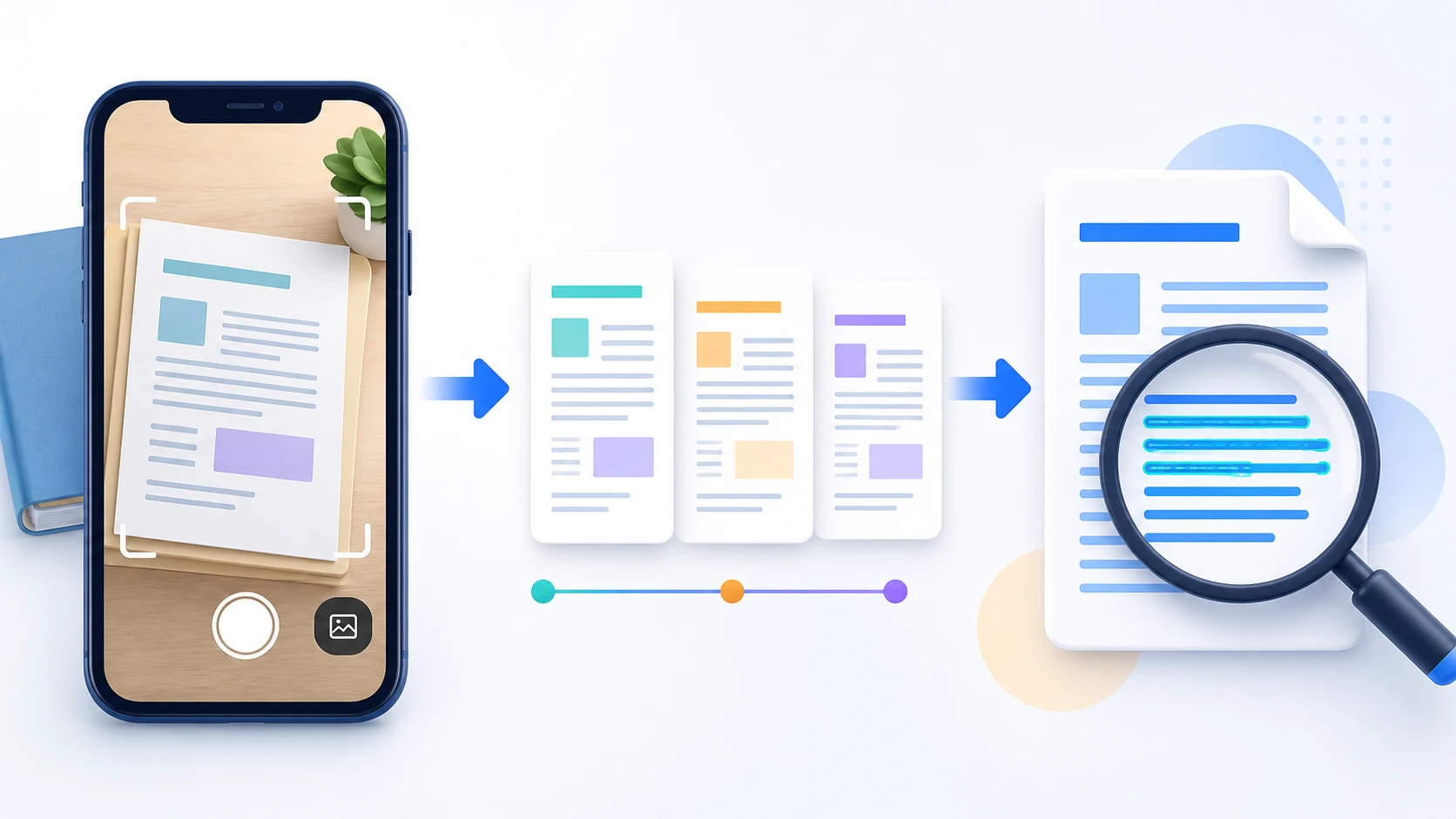
Run optical character recognition on supported scanned or image-based PDF pages to make recognized text searchable. OCR results depend on language support, scan quality, resolution, rotation, and document layout.
or drop the file here
Up to 50 MiB per PDF
English OCR · up to 25 pages
Optical character recognition analyzes page images and attempts to identify characters so recognized text can become searchable or extractable.
PDFKaka OCR currently supports English printed text.
The current OCR workflow is intended for printed English text, not handwriting.
No. Accuracy depends on scan quality, resolution, rotation, language, fonts, layout, and the content itself. Review important text manually.
OCR rebuilds each page as a JPEG image and adds a searchable text layer. The original page image bytes are not preserved unchanged.
No. Selected PDF contents are processed locally in this browser; OCR assets are loaded from PDFKaka only when recognition starts.
ต้องการทำงานเอกสารอื่นหรือไม่ เครื่องมือทั้งหมด.
OCR PDF is useful when a scan contains printed text but no selectable text layer. It does not guarantee perfect recognition or recreate every layout as editable document content.
OCR PDF is for pages that look like text but behave like images. It recognizes printed English characters in scanned pages and adds a searchable text layer locally. The result can support searching and copying, but OCR is best-effort and important values must always be checked.
Each page is rendered for recognition and the detected English text is added to a new PDF. This can make image-only scans easier to search and reuse.
After OCR, use PDF to Text or PDF to Word when reusable text is the main goal. Complex layouts, columns, and tables can still require manual correction.
Straight pages, clear printed characters, good contrast, and adequate resolution help recognition. Handwriting, shadows, curved pages, and blurred photographs reduce accuracy.
Yes. The current tool recognizes supported printed English text locally without requiring an account.
OCR creates a searchable PDF. Open that result in PDF to Word when an editable DOCX file is also needed.
No. The current workflow is designed for printed English text. Handwriting and other languages are not reliable supported inputs.