Edit PDF
Add or Replace PDF Text Without Reflowing the Page
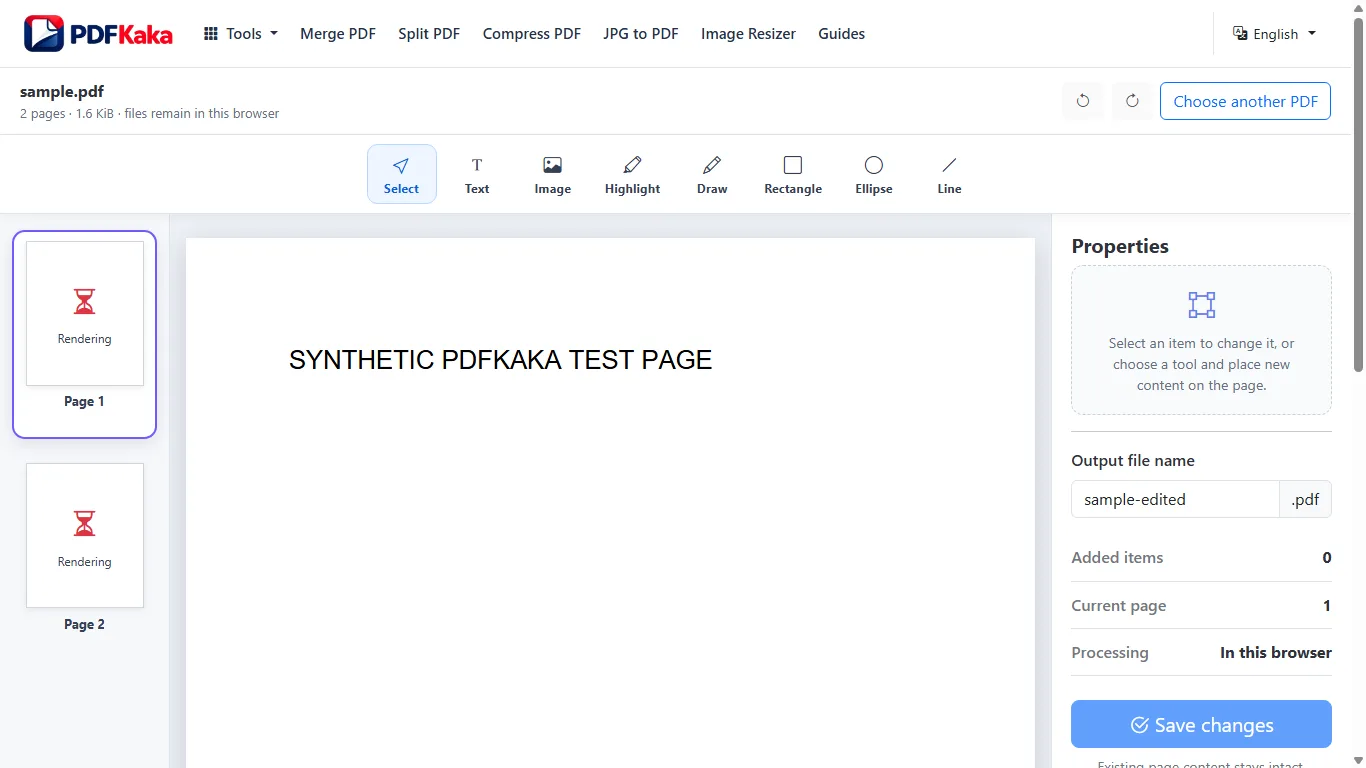
A PDF uses fixed positions. Adding a new text box leaves the original content in place, while eligible source-text replacement changes a selected text object using its original font and transform. Neither operation automatically reflows the page like Word.
See a visual example
Choose addition or replacement
A new overlay can add a date, note or label without moving the existing page objects. It does not delete the text underneath. Source replacement is limited to eligible visible single-line top-level text objects and supported original-font glyphs; scanned words and nested artwork are not automatically editable.
Check fixed positions after the change
- Choose the original PDF and inspect the page before editing.
- Choose Add text for a new box in an empty area, or Edit existing text and click or tap an eligible detected line for replacement.
- Apply the change and check the rebuilt preview for font appearance and overlap.
- Save, reopen and compare the edited area with the source.
When the original source is the better route
Page-wide reflow, table restructuring, complex scripts and content that needs to move onto another page are outside this source editor. Bounded paragraph wrapping is available only for eligible horizontal Latin text inside a reviewed area. Edit the original Word or design document when available. A longer replacement can collide with nearby objects, and a subset font may reject characters that are not available in the original font.
FAQ
Does the editor keep every paragraph and table editable?
No. Source replacement is a bounded text-object operation, and overlays are additions. It is not a complete document-layout editor.
Can a longer replacement move the rest of the paragraph?
Inline replacement does not move neighboring content. For eligible horizontal Latin paragraphs, Edit paragraph and wrap fits supported text inside your reviewed area and rejects overflow or collisions. Check the saved result.
Should I cover old words with an overlay?
An overlay does not remove the underlying source words. Choose eligible source-text replacement for a correction and a separately verified redaction method for confidential removal.