PDF reader
Why a PDF will not open in an online reader
Distinguish password protection, corruption, unsupported PDF features, invalid file contents, and device-memory limits.
Voir un exemple visuel
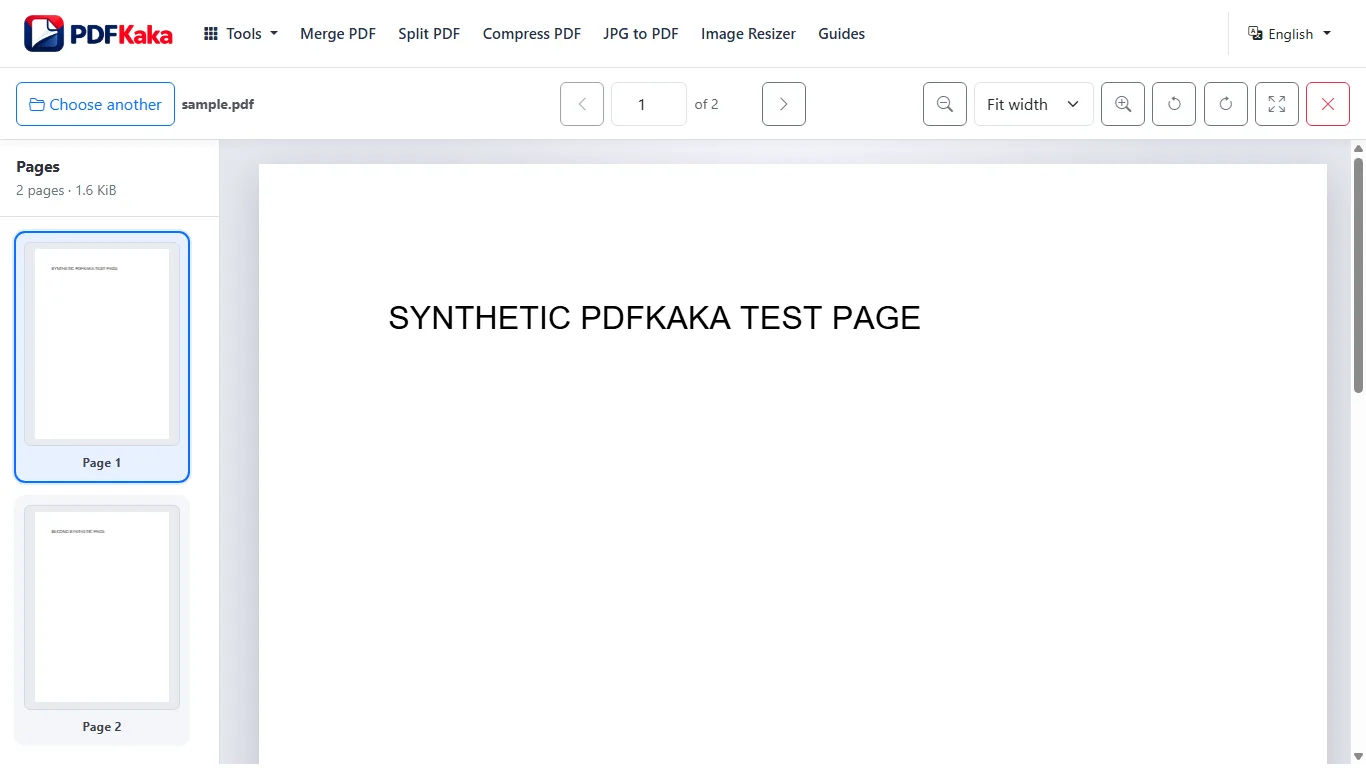
Check the file before the viewer settings
- Confirm the selected file is the intended PDF rather than a renamed image, ZIP or download error page.
- Check that it is not empty or an incomplete download.
- If it requires a password, use a workflow that supports unlocking an authorized copy; this reader does not handle protected PDFs.
- Compare the source with the 50 MiB, 500-page and rendering limits.
- Try the original in another trusted reader and select a valid PDF again or restart after an error.
Separate source corruption from device limits
If multiple readers reject the same source, obtain a fresh copy from its creator rather than repeatedly modifying it. If another reader opens it but the browser fails on a particular large page, device memory or the rendering cap may be the issue. A smaller supported copy can help only when it remains complete for the task.
Do not lose the only original
Changing a filename extension does not convert a document. Keep the original while investigating and avoid sending a partially rendered or incomplete copy as though every page was checked.
FAQ
Will renaming a file to .pdf fix it?
No. The file must actually contain a valid PDF, not merely have that extension.
Does a browser opening error prove the PDF is corrupt?
No. Password protection, configured limits, unsupported structures or device resources can also cause failure.