Aller au contenu principal

PDF to Markdown Online

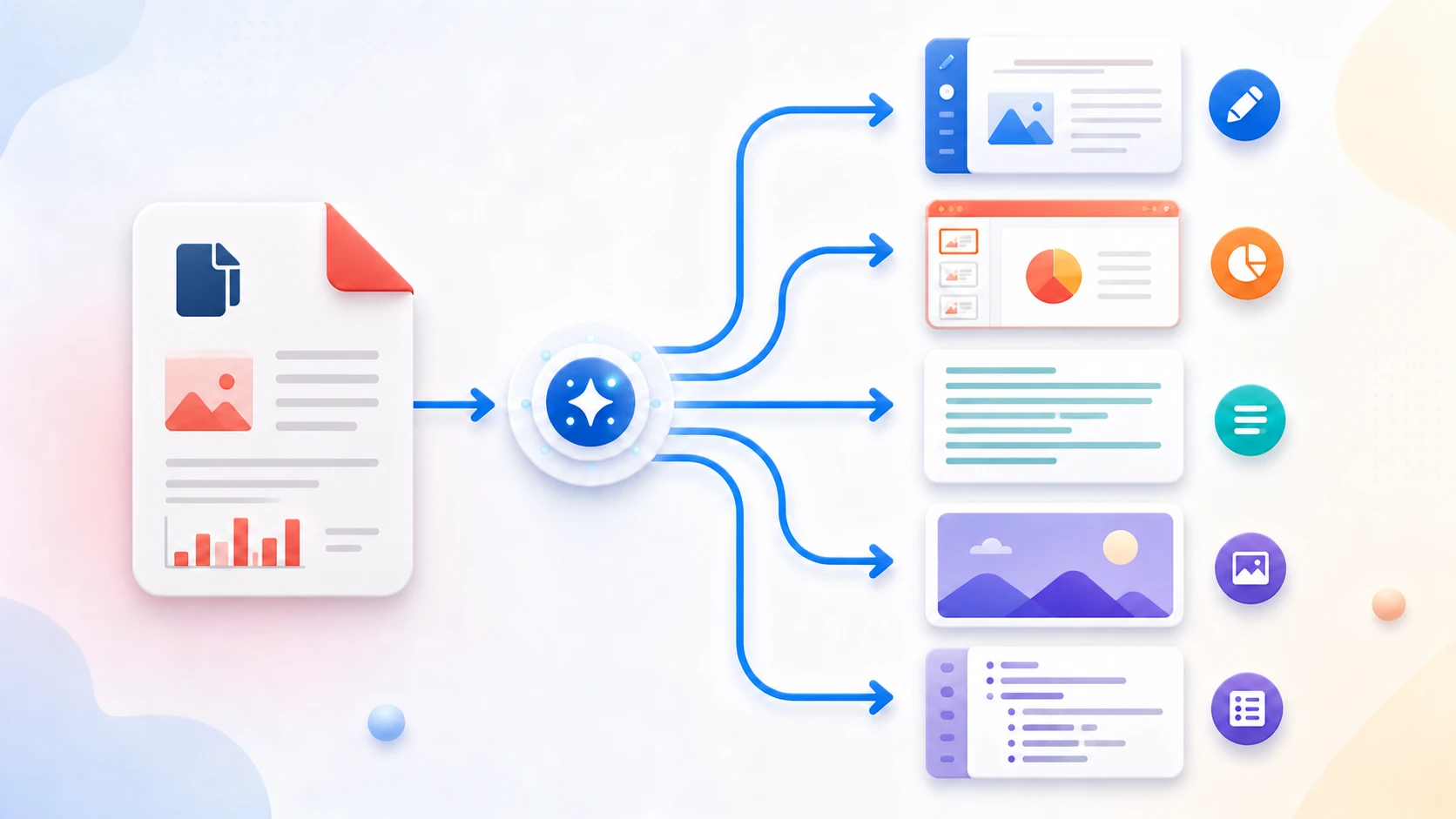
Convert selectable text already stored in a PDF into Markdown using best-effort reading order and heading detection. The result is intended as a clean starting point for notes, documentation, publishing, or AI workflows—not a pixel-perfect reconstruction of the PDF page.

or drop the file here

Up to 50 MiB per PDF

Up to 100 pages

Les fichiers restent dans votre navigateur Aucun envoi de fichier Aucun compte requis

How to Convert PDF to Markdown

  1. Choose a supported PDF containing selectable text.
  2. Start the PDF-to-Markdown conversion.
  3. Download the Markdown file and open it in a text or Markdown editor.
  4. Compare complex tables, columns, images, and links with the source PDF.
  5. Review headings, paragraphs, and reading order, then make any required cleanup edits.
Browser processing questions

Can PDF to Markdown process scanned PDFs?

Not from image-only pages unless OCR is integrated. Use OCR PDF first when the source does not contain selectable text.

Will tables and images be converted perfectly?

No. Complete tables and images are not reconstructed. Simple aligned text columns are ordered in sequence, while complex or rotated layouts can still require manual correction.

How are headings detected?

A line becomes a Markdown heading when its text height is more than 1.35 times the median text height on that page. Optional page headings are separate settings.

Will links be preserved?

No. The converter does not extract PDF links into Markdown.

Why can the reading order be wrong?

PDF text can be stored by positioned fragments rather than normal document flow, especially in multi-column or complex layouts.

Are my files uploaded?

No. Selected PDF contents are processed locally in this browser.

Besoin d’une autre tâche documentaire ? Tous les outils.

À propos de cet outil

Create Markdown from selectable PDF text

PDF to Markdown extracts selectable text, orders detected simple text columns, and applies optional page headings, font-size headings, and escaped paragraphs. It does not reconstruct complete tables, images, links, or page layout.

Utile pour

  • Move simple reports or notes into a Markdown editor.
  • Create searchable/editable text for documentation or version control.
  • Prepare supported PDF wording for text-oriented publishing or AI workflows.

Bon à savoir

  • Reading order and heading detection are best effort.
  • Scanned pages require OCR before selectable text can be converted.
  • Complex tables, images, and multi-column layout may need manual reconstruction.
Practical guidance

Convert selectable PDF text into Markdown

PDF to Markdown creates a clean starting point for documentation, notes, publishing systems, and AI preparation by extracting existing PDF text and applying conservative heading and paragraph rules. It does not pretend to reconstruct every table, image, or complex layout.

Create an editable Markdown file from PDF text

Digitally created reports, notes, articles, and simple documents work best. Page boundaries can remain visible while you review and edit the result.

Prepare PDF text for documentation or AI workflows

Markdown is lightweight and readable, which makes it useful for knowledge bases, version control, writing tools, and carefully reviewed AI inputs.

Handle scans and complex layouts honestly

Scanned pages require OCR first. Heading detection, columns, tables, images, and reading order are best-effort and should be checked against the PDF.

Questions people ask about this task

Can I convert PDF to Markdown online for free?

Yes. Extract supported selectable text and download an MD file without creating an account.

Can PDF to Markdown process scanned documents?

Not directly. Use OCR PDF first, verify the recognized text, and then convert the searchable result.

Will tables and images become perfect Markdown?

No. The current converter focuses on text, paragraphs, and best-effort headings rather than full visual-layout reconstruction.