PDF to Word
Why PDF-to-Word formatting changes and how to fix it
Understand that fixed PDF text positions do not map perfectly to flowing Word paragraphs, columns, tables, or fonts.
On this page
See a visual example
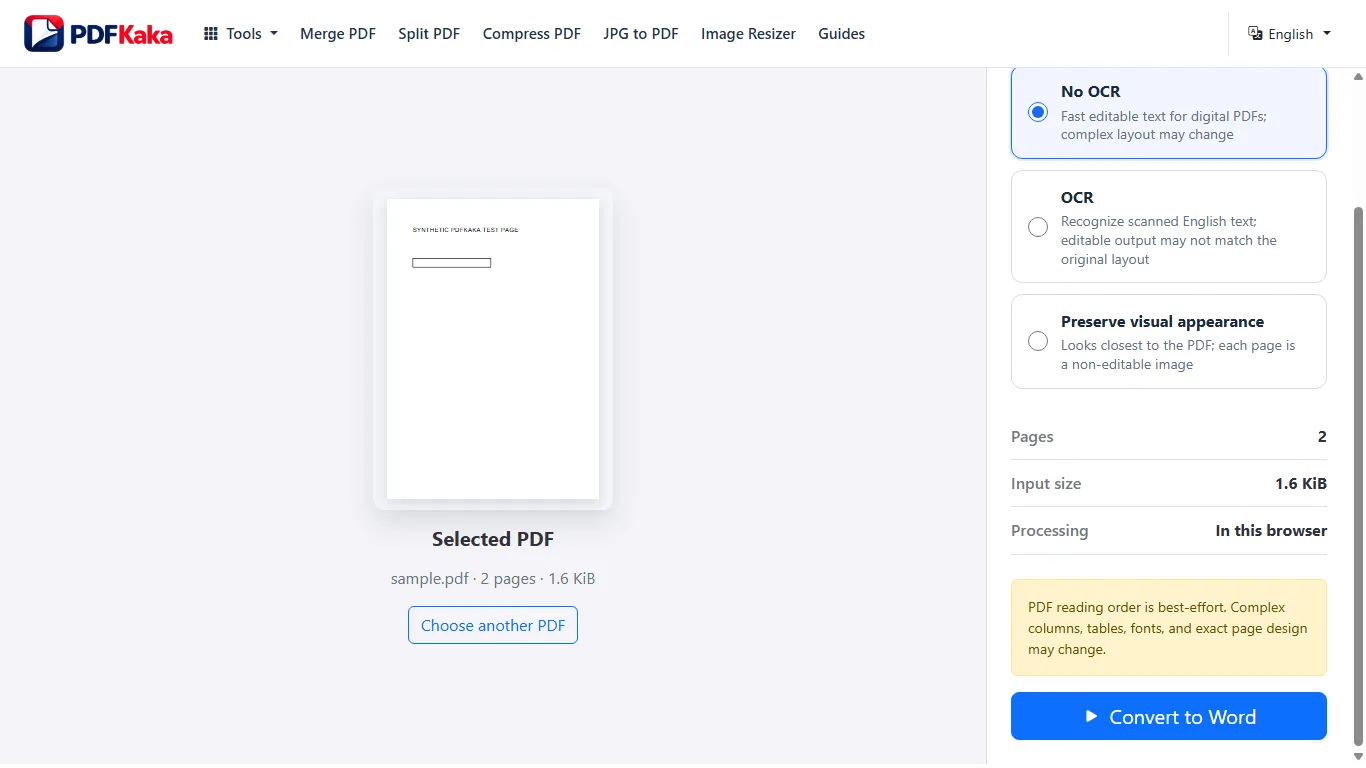
Complete the workflow in order
- Open PDF to Word and select the PDF; wait for the page-type check.
- Choose No OCR for native selectable text, OCR for supported printed-English scans, or Preserve visual appearance for page images.
- Start conversion and read any scanned-page or output-limit message.
- Download the DOCX and open it in Word or a compatible document editor.
- Edit an existing sentence to confirm it is native text, then compare columns, tables, field values and page breaks with the PDF.
What to inspect when PDF-to-Word formatting changes and how to fix it
- Understand that fixed PDF text positions do not map perfectly to flowing Word paragraphs, columns, tables, or fonts.
- Review the complete DOCX and rebuild important layout rather than assuming visual fidelity.
Editable Word output versus preserved page appearance
No OCR creates editable paragraphs, inferred simple aligned tables and best-effort column order from native text. OCR recognizes supported printed-English scans. Graphics and exact layout are not reconstructed in editable output; Preserve visual appearance creates page images.
Separate wording repair from layout repair
First verify that the invoice wording and amounts are correct. Next check that table cells belong to the correct row and that a two-column passage reads in the intended order. Finally adjust Word column widths, spacing and page breaks; a visually tidy layout cannot compensate for a misplaced amount.
Check this result before reusing it
- Check native paragraphs and table cells before changing fonts or spacing.
- Compare headers, footers, captions and the last line of each source page.
- If graphics or exact positioning are essential, retain the PDF or use appearance mode rather than claiming the editable DOCX is identical.
FAQ
Will the Word document keep the PDF layout exactly?
Not always. Editable conversion can change layout or reading order, while appearance-focused output may use page images that are not separately editable.
What is the current input limit for PDF to Word?
One PDF up to 50 MiB and 100 pages. Editable English OCR supports at most 25 scanned pages within that document. The tool reports a limit before offering an unsupported output.
Why does a simple table convert but a complex table remain text?
Table inference depends on repeated aligned text cells. Merged cells, wrapping, images and irregular spacing can hide the original row-and-column relationships.