PDF reader
How to view PDF pages on a phone browser
Open a PDF from phone storage and use page navigation and zoom controls without installing a separate reader.
See a visual example
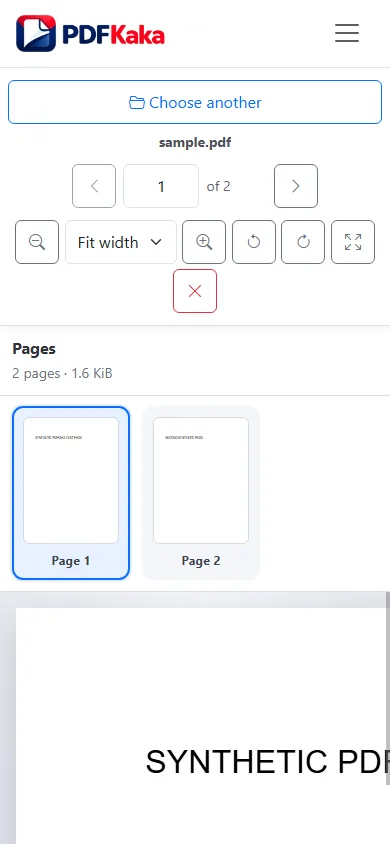
Keep the distinction between reading and saving
The reader does not edit, annotate, print or save a new PDF. View rotation is temporary. Use the appropriate separate tool when the saved document needs a change, and keep the source file available.
When the picker or browser struggles
A cloud-provider shortcut may need to fetch the file before handing it to the browser. Large or complex pages also use device memory. Check that you selected a real PDF and keep the original if the browser cannot render it. The maximum is 50 MiB and 500 pages, not a guarantee that every phone can process every allowed file.
FAQ
Do I need to install another reader?
This workflow runs in a supported browser. Device storage and file-picker options vary by phone and browser.
Where is the new PDF after reading?
No new PDF is created. You are viewing the file you selected.