How to Convert PDF to Text
- Choose a supported PDF.
- Start text extraction.
- Review paragraphs, page breaks, and reading order.
- Use OCR PDF if the source contains scanned pages with no selectable text.
- Download the plain-text result.
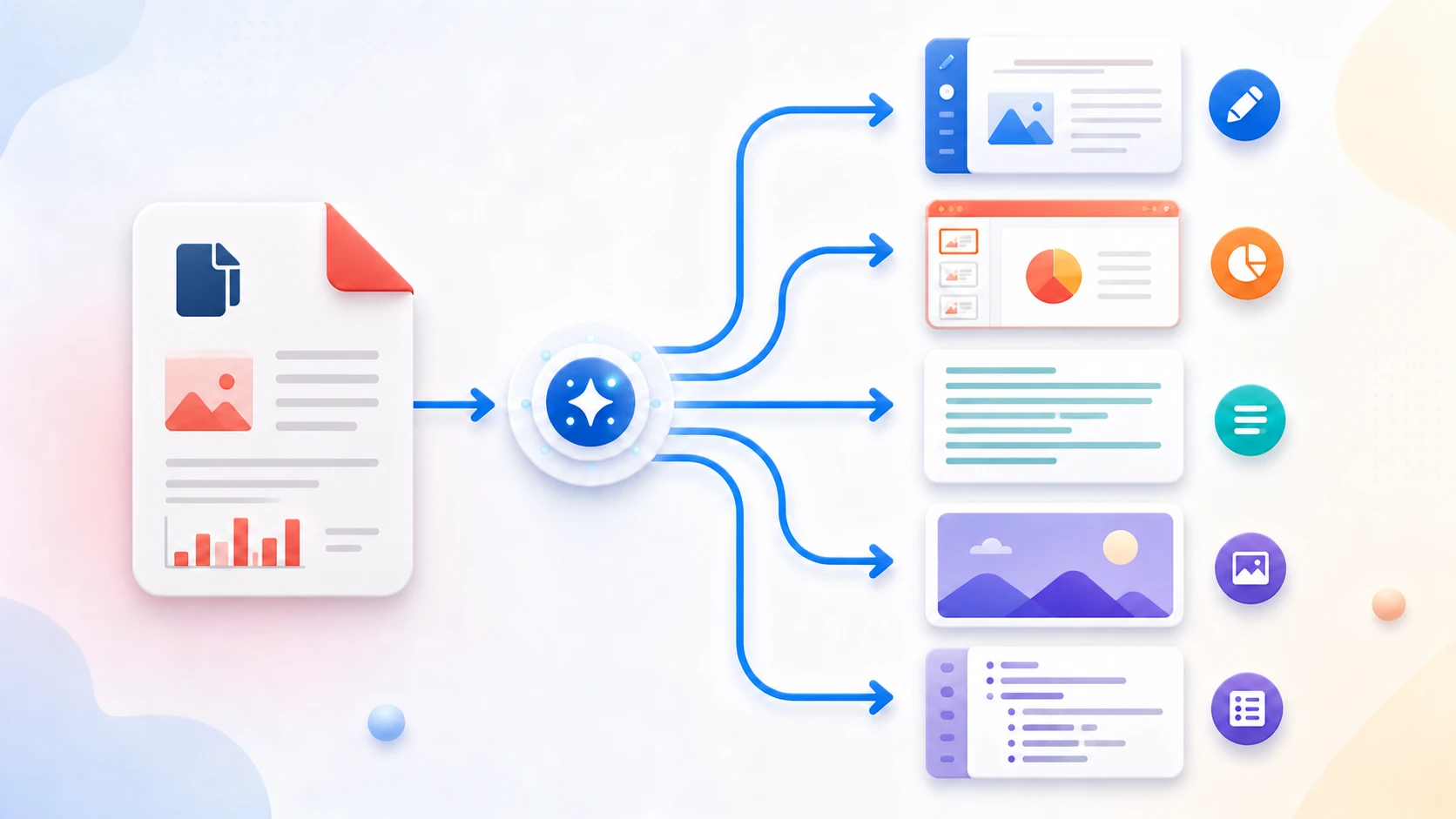
Extract selectable text already stored in a PDF into a plain-text file. PDF to Text does not recreate the original page layout, and scanned image-only PDFs require OCR before text can be extracted.
or drop one PDF here
Up to 50 MiB and 500 pages
Up to 1.000.000 extracted characters
Not by text-layer extraction alone. Use OCR PDF when the scanned pages do not already contain searchable text.
No. Plain-text output does not preserve page coordinates, fonts, images, or full table layout.
PDF text can be positioned by coordinates instead of stored in normal reading sequence. Multi-column and complex layouts can therefore extract in an imperfect order.
No. Plain-text extraction includes the PDF's text layer and does not create placeholders for images.
Yes. The downloaded plain-text file can be edited in a normal text editor.
No. Selected PDF contents are processed locally in this browser.
Precisa realizar outra tarefa com documentos? TXT para PDF.
PDF to Text is useful when you need searchable, copyable text without PDF formatting. It is not a replacement for Word conversion when document layout and styles matter.
PDF to Text reads the text objects already stored in a digital PDF and writes them into a lightweight UTF-8 text file. It is useful for notes, searching, simple reuse, or checking which pages contain extractable text, but it does not preserve the original design.
Choose the document and create a plain-text copy with optional page headings to keep multipage output easier to follow.
If text cannot be selected in a PDF viewer, the page probably contains an image rather than text objects. OCR is needed before useful extraction.
Columns, tables, headers, footers, and positioned text can appear in a different order because plain TXT does not contain page-layout instructions.
Yes. Extract available selectable text and download a TXT file without registration.
The PDF may contain scanned page images rather than selectable text. Use OCR PDF first.
No. TXT stores plain characters and line breaks, not the PDF's visual page design.