How to Remove PDF Pages
- Choose a PDF containing the pages you want to review.
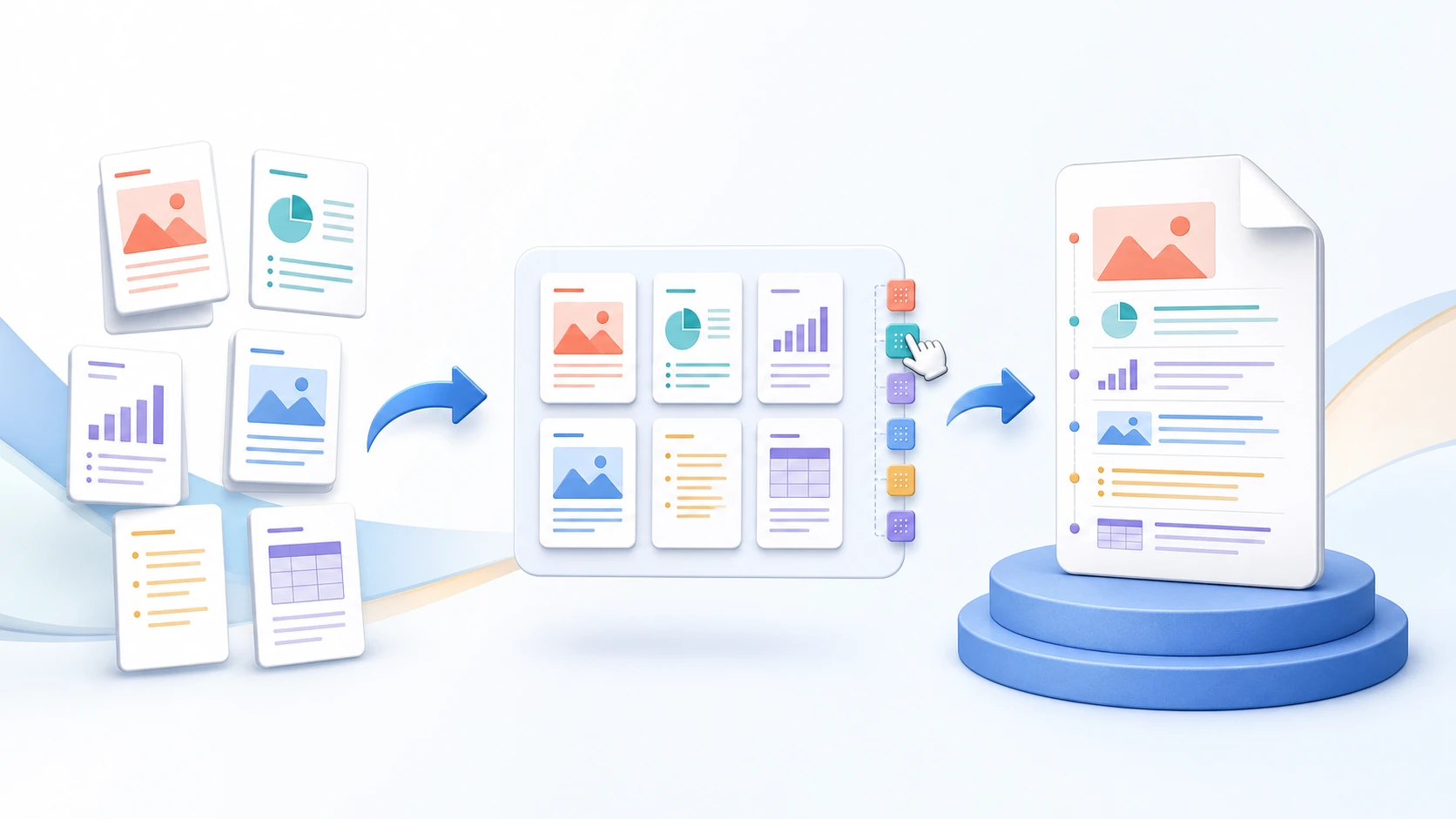
- Mark the pages you want to remove in the thumbnail view.
- Review the remaining page sequence and confirm that all required pages are still present.
- Create the cleaned PDF.
- Download and reopen the result before sharing it.